Yeti Academy V6 · North Carolina
North Carolina Education Resources
Discover classroom-ready STEM, typing, citizenship, digital literacy, and so much more. Explore the new student experience, browse the NCED materials, and see what fits your school or district.
For North Carolina educators
A partnership for classroom success.
Welcome to the NC Yeti Academy resource page. Here, North Carolina educators can explore lessons and tools designed to help students build practical technology skills with confidence. From coding and keyboarding to digital citizenship and STEM, Yeti Academy gives students opportunities to solve problems, think creatively, and apply what they learn. Teachers get ready-to-use activities that fit into their instruction, along with progress reporting that helps them see how students are doing and where they may need support.
We believe the best learning experiences grow from a partnership between North Carolina educators and Yeti Academy. Teachers know their students, their classrooms, and the goals they are working toward. Yeti Academy brings engaging lessons, useful teaching resources, and tools to help put those goals into action. Whether you are introducing technology skills to younger learners or building on them in later grades, explore the resources below to see how we can work together to help students learn, create, and grow.
Easy to fit in.
Assign a course once. The dashboard shows who’s finished.
Super Citizenship lessons, grades 3–5
Digital citizenship units, grades 6–12
SEL Adventures scenario lessons, grades 3–5
STEM learning students enjoy
Courses they can spot and start.
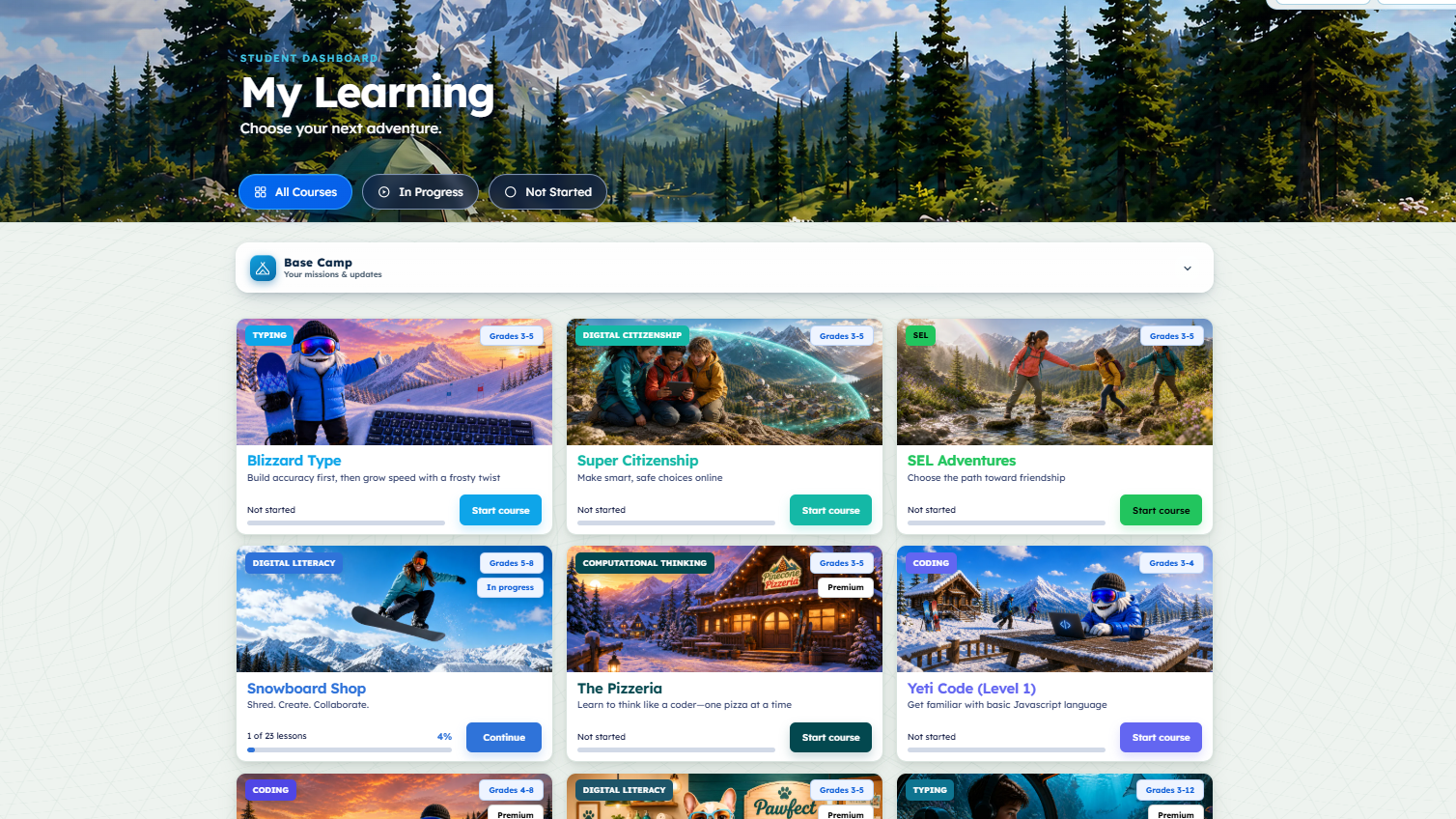
Yeti Academy organizes typing, digital citizenship, SEL, digital literacy, computational thinking, and coding into visual course tiles. Here are six examples from the V6 student dashboard.
 TypingGrades 3–5
Blizzard Type
Practice accuracy and build speed through typing lessons.
 Digital citizenshipGrades 3–5
Super Citizenship
Practice making smart, safe choices online.
 SELGrades 3–5
SEL Adventures
Build friendship and social skills through guided activities.
 Digital literacyGrades 5–8
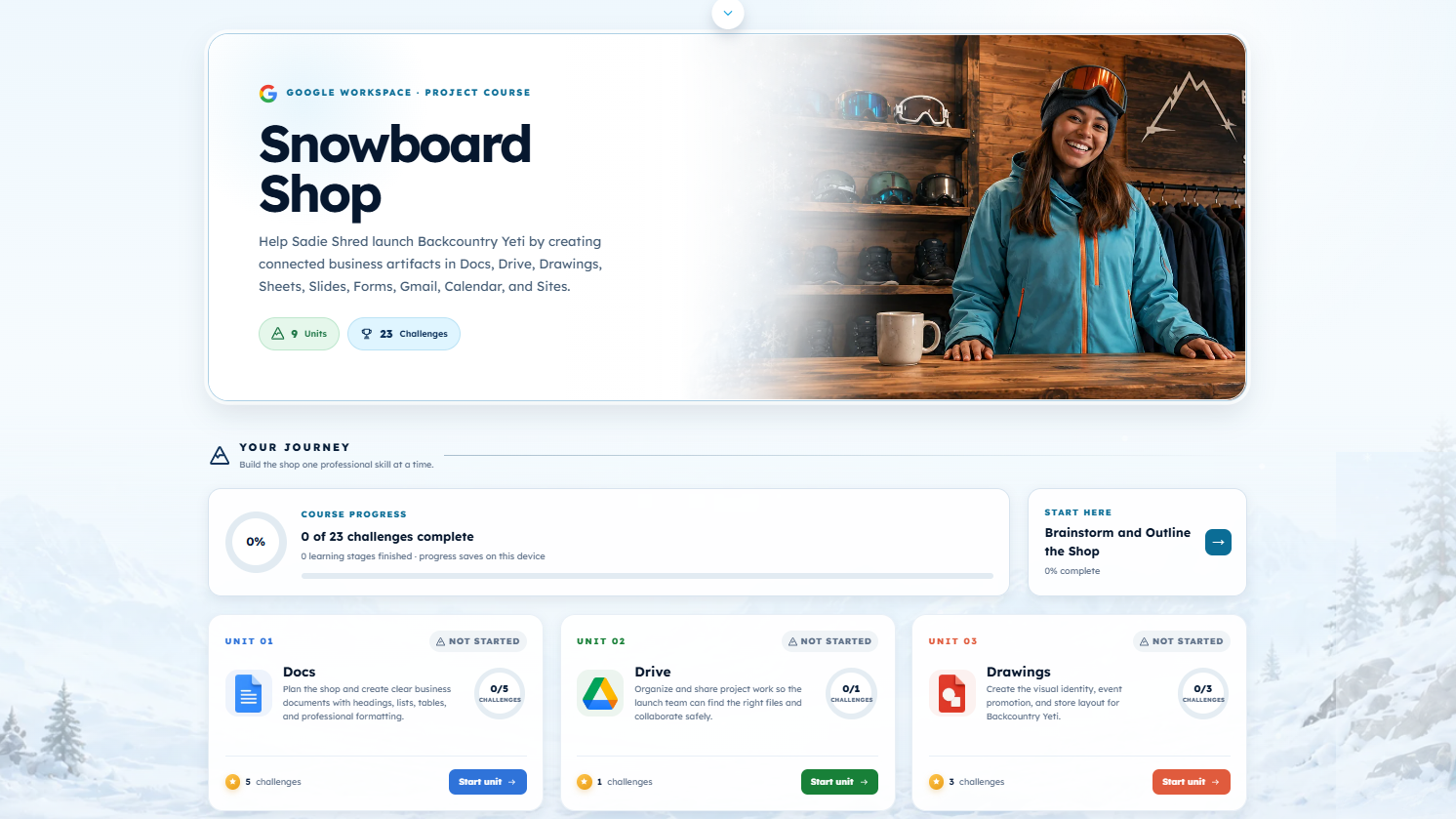
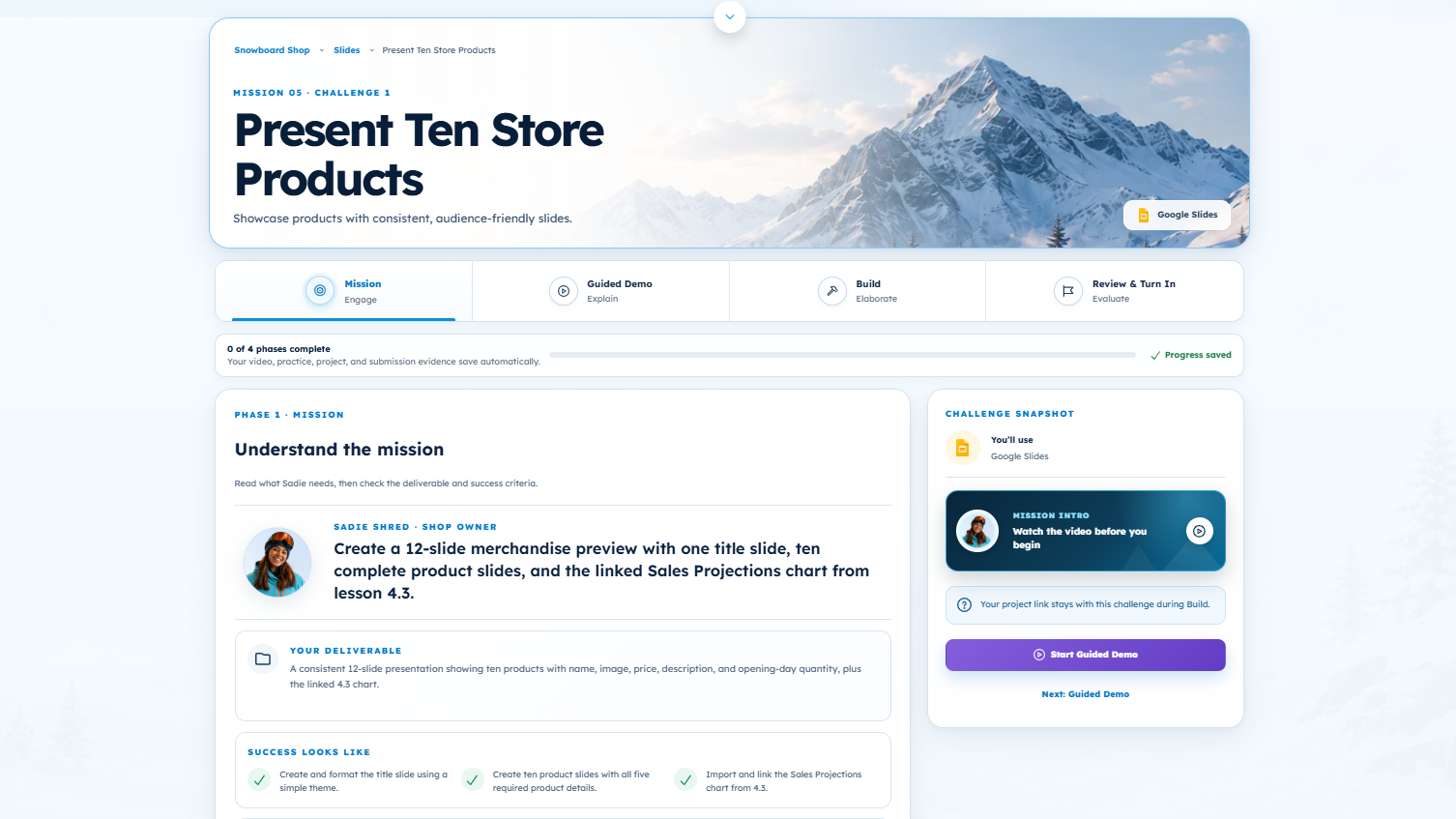
Snowboard Shop
Create and collaborate with digital tools.
 Computational thinkingGrades 3–5
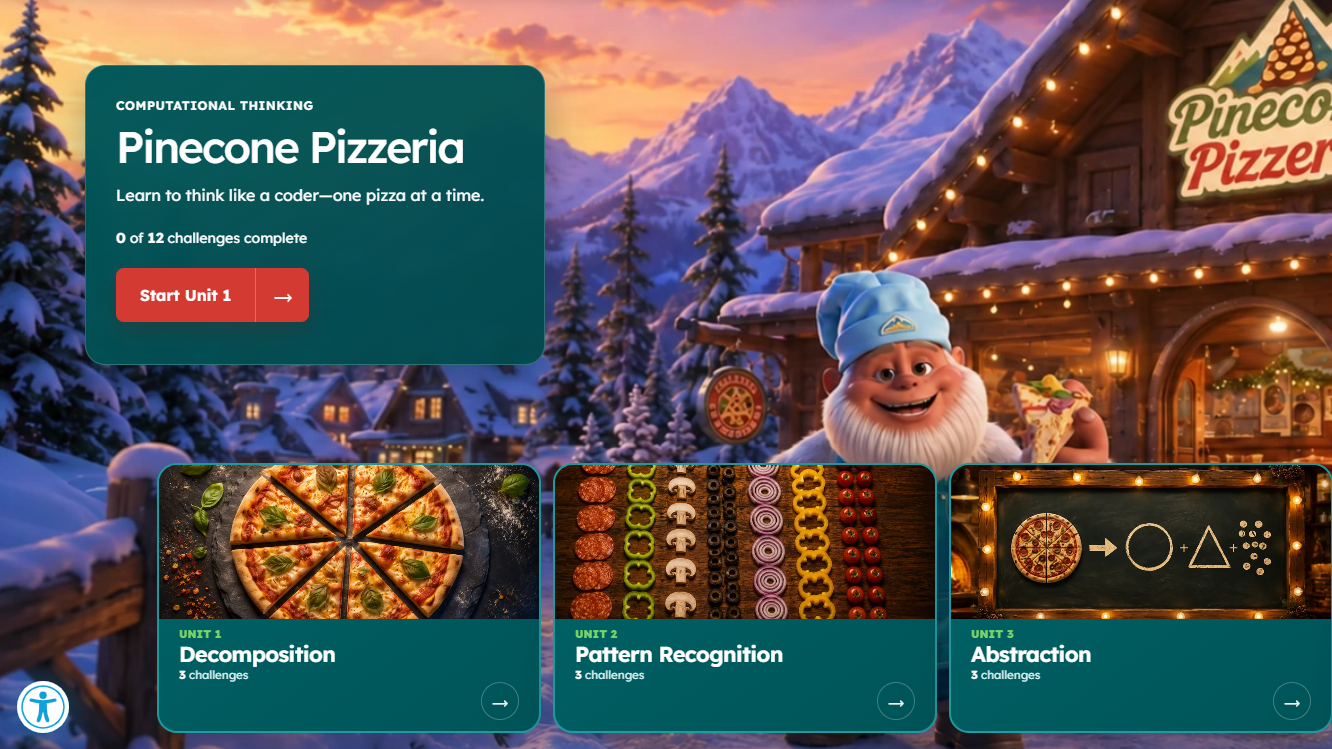
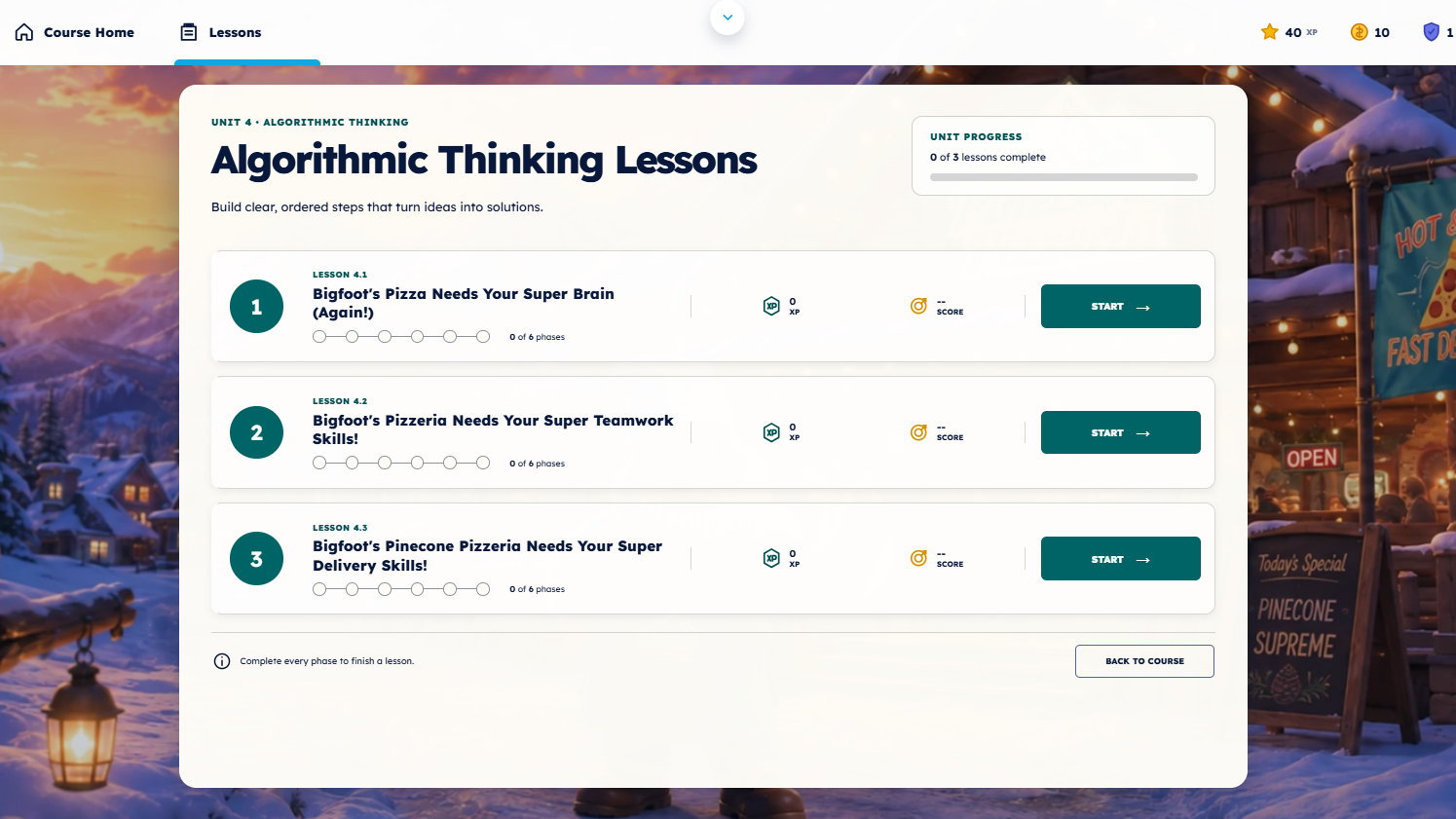
The Pizzeria
Practice thinking like a coder through pizza-themed lessons.
 CodingGrades 3–4
Yeti Code (Level 1)
Explore the basics of the JavaScript language.

North Carolina spotlight
Explore the HB 959 social media literacy guide.
See how Yeti Academy lessons connect to the six topics highlighted in North Carolina’s social media literacy requirements. The guide includes course examples, grade levels, and ways to track student completion.
- Mental health
- Misinformation
- Manipulative feeds
- Digital footprints
- Personal security
- Cyberbullying
V6 image gallery
See Yeti Academy in action.
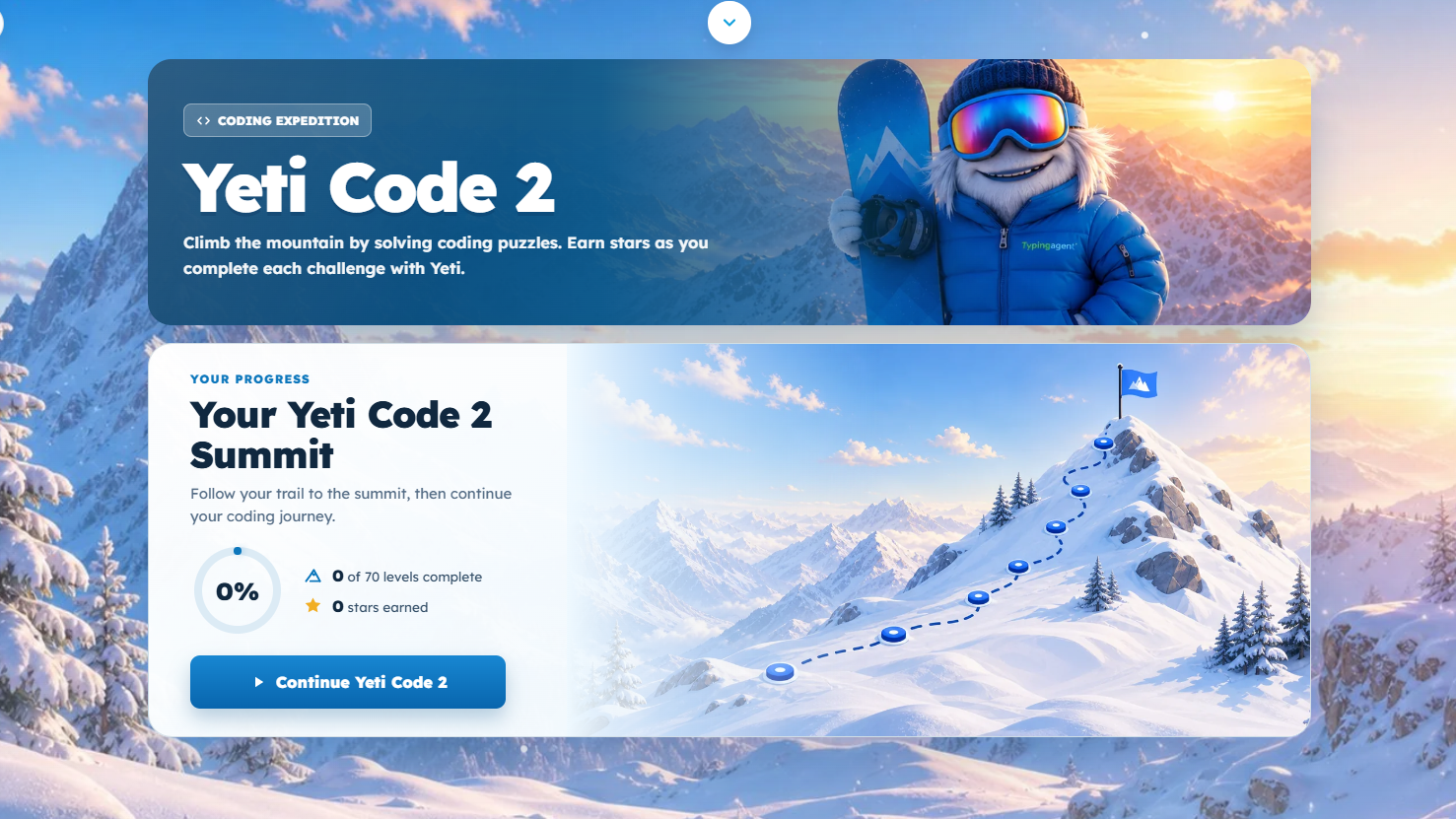
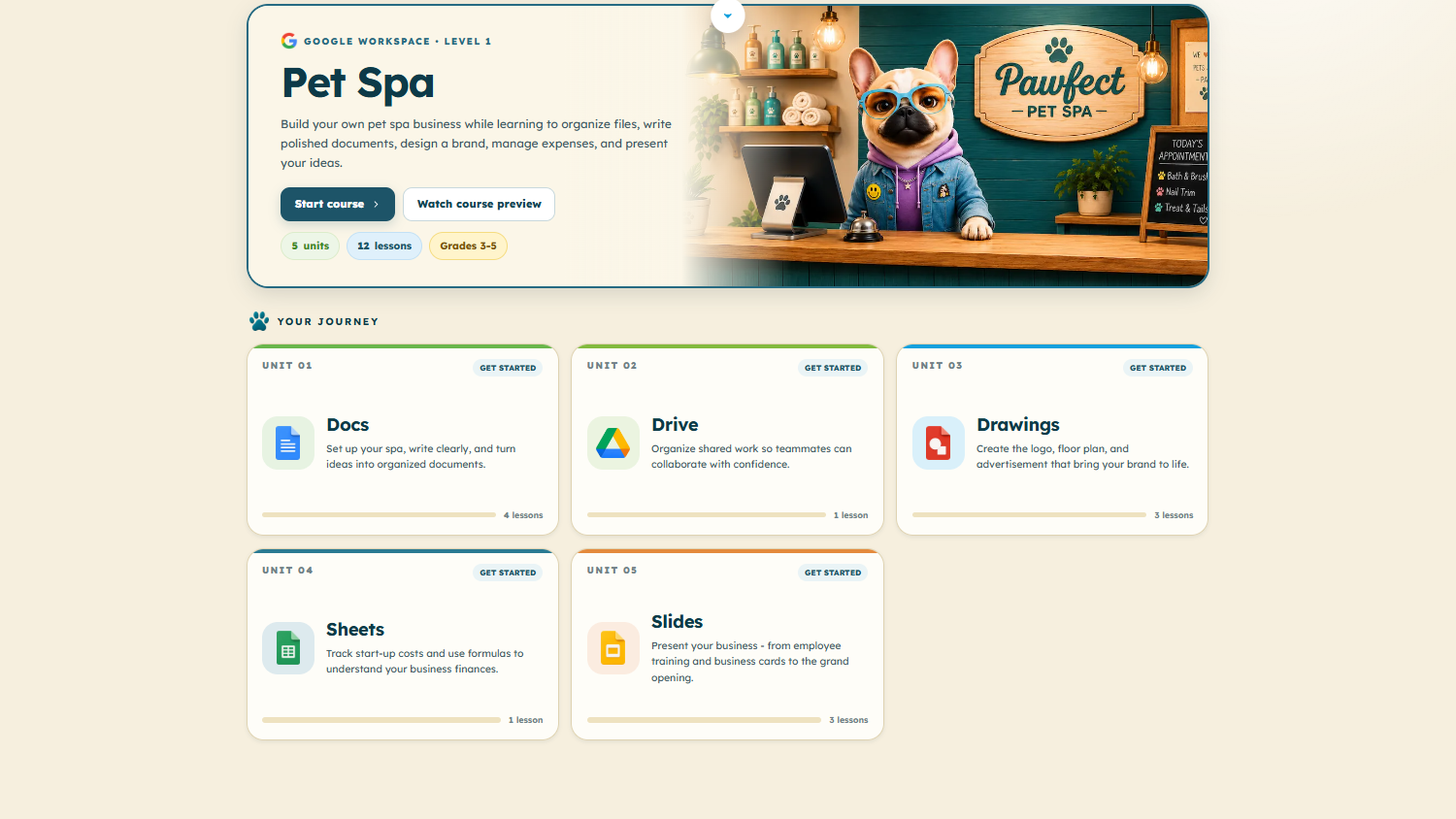
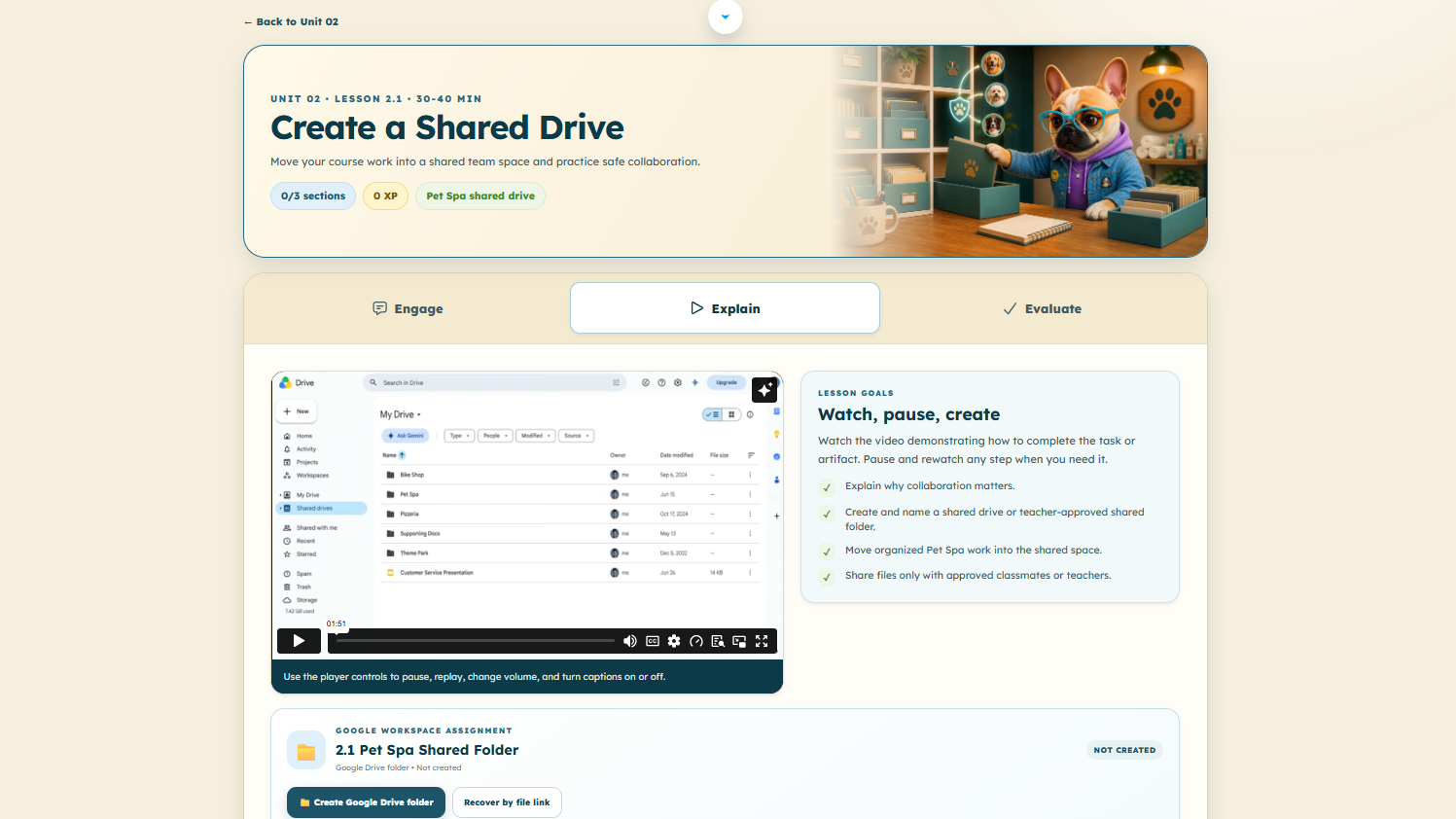
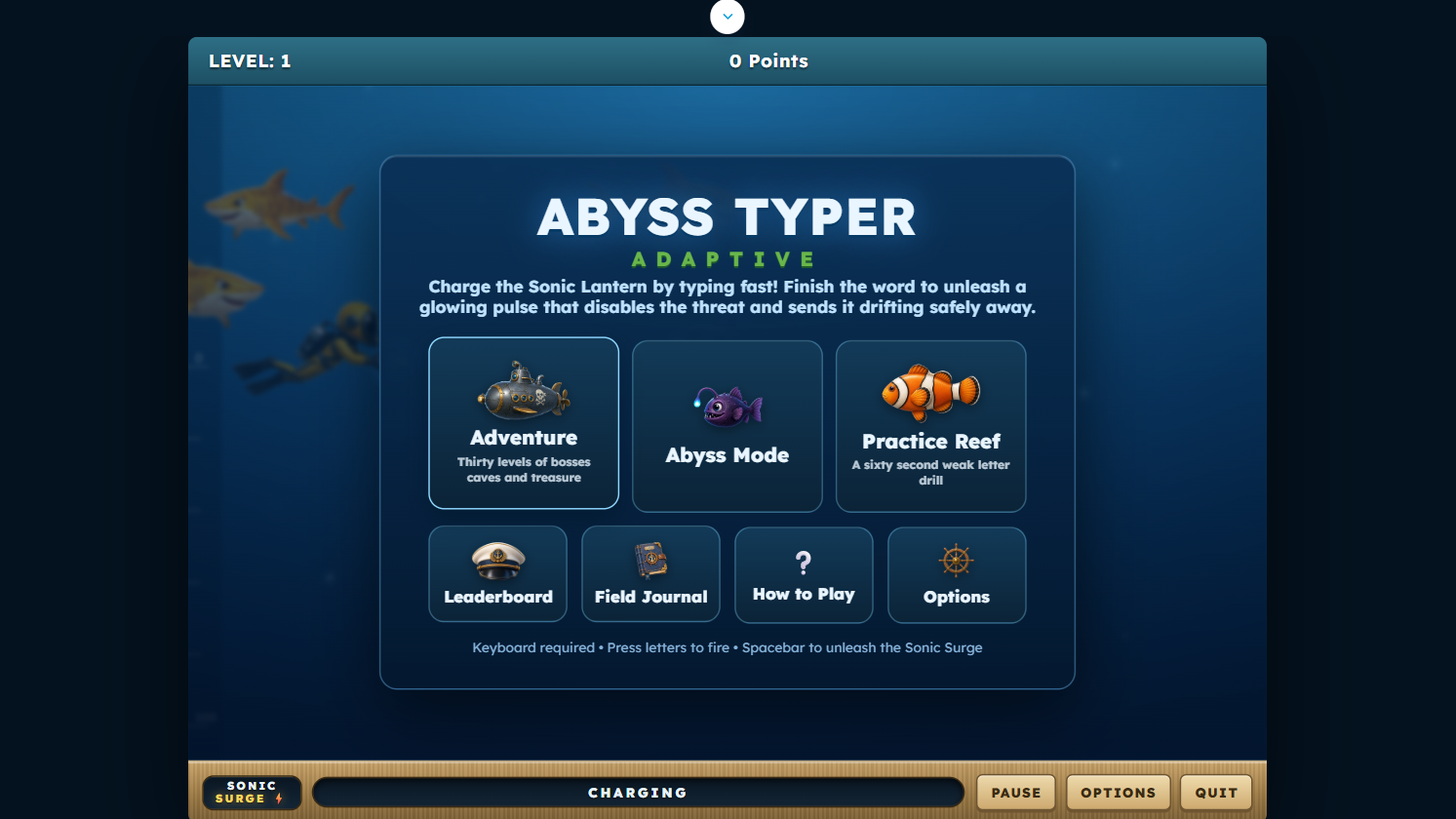
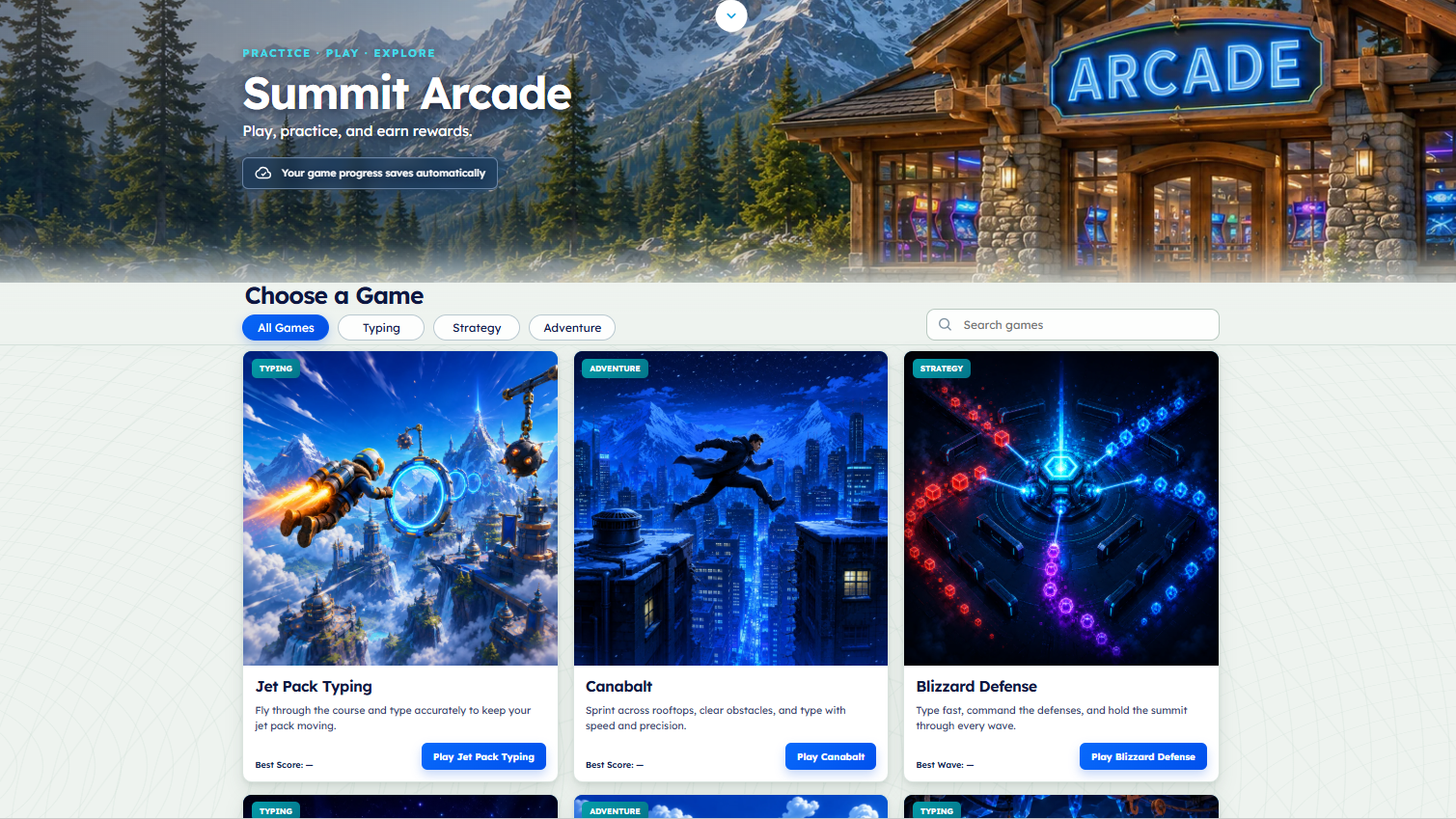
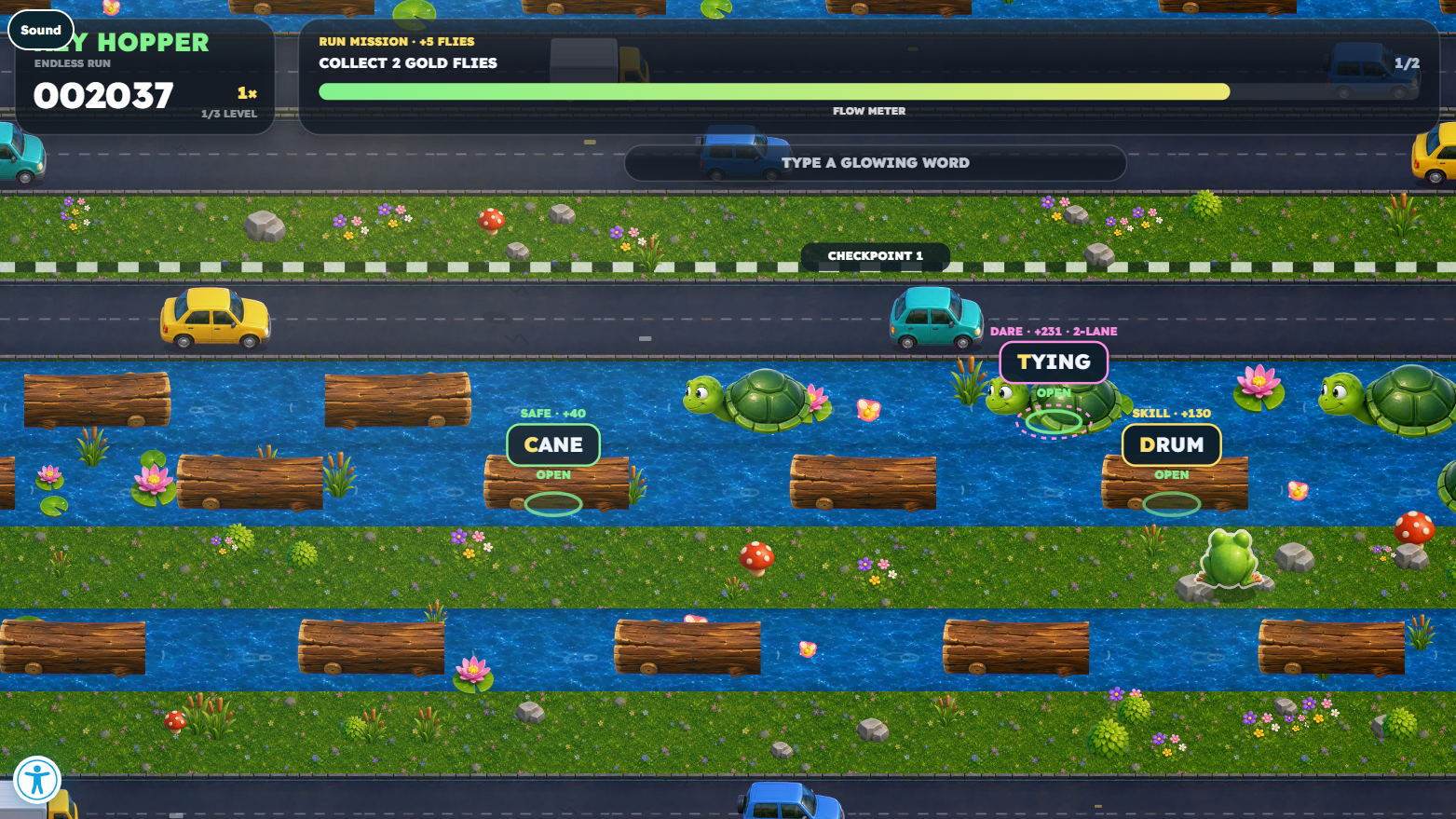
Browse 14 student experience images, from Blizzard Type Essentials and Yeti Code to Pet Spa and Summit Arcade. Select any image for a full-size view.
Share with your team
Two useful resources to take with you.
Open the V6 overview or the NCED guide and share them with your classroom, curriculum, and technology teams.

Yeti Academy flyer
A shareable look at courses, the student experience, teacher tools, and reporting.
View the flyer
HB 959 social media literacy guide
See the six topics and examples of Yeti Academy lessons across grade levels.
View the guideNCED Media
Take a closer look.
Dive deeper with our booth slideshow and Yeti Academy introduction.
NCED Symposium Booth Slide Show
A screen capture tour of Typing Agent and Yeti Academy.
Watch on YouTubeYeti Academy Introduction
Get to know the learning experience and what students can explore.
Watch on YouTubeExplore Typing Agent V6
Along with Yeti Academy, you also have access to Typing Agent.
The complete K-12 typing platform, rebuilt for the next climb.
An exciting new world of typing, writing, Spanish, coding, and digital citizenship, featuring a whole new level of gamification within a mountain adventure that keeps students motivated and excited to log in. Same private-by-design platform. Now even more fun.
Typing Agent V6 preview gallery
See the new mountain adventure.
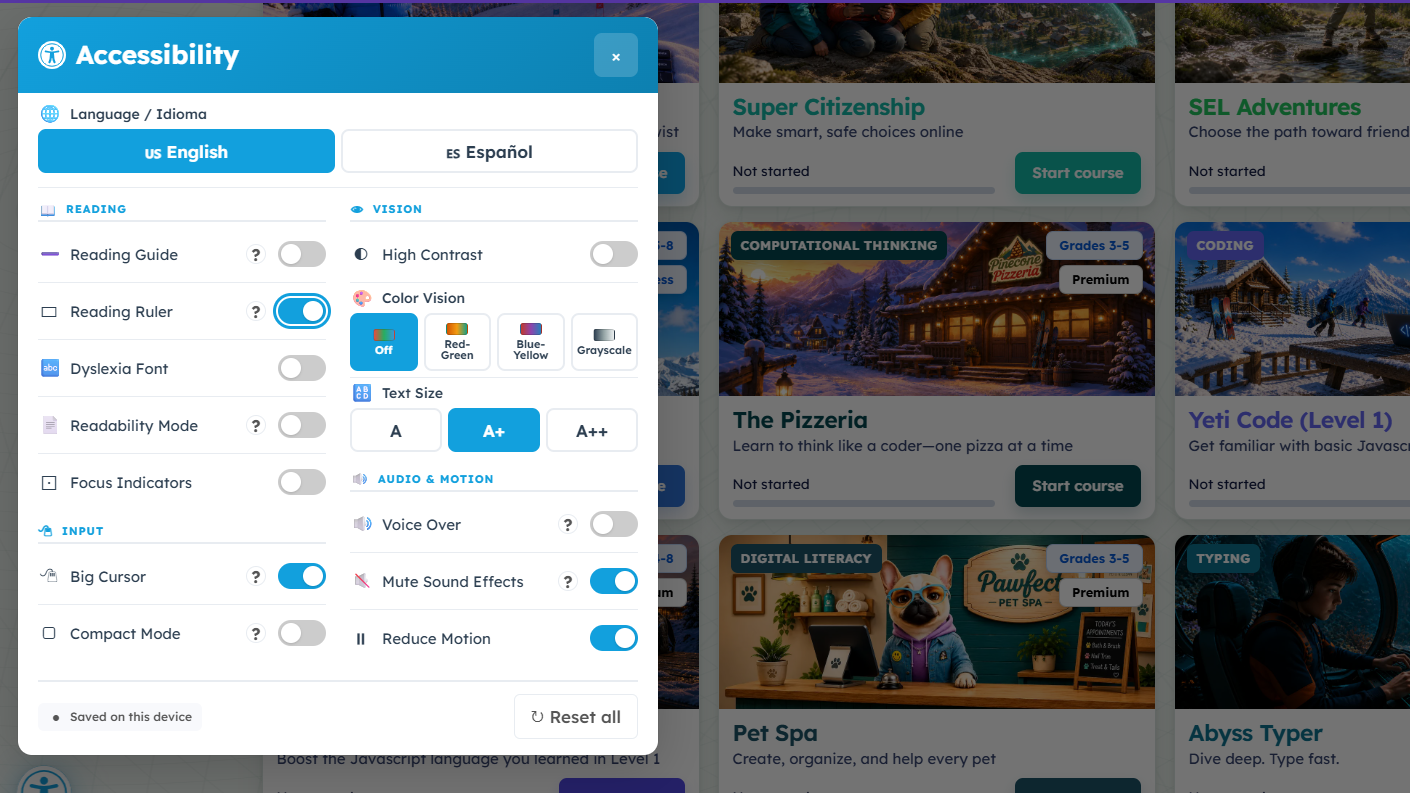
Browse the 26 Typing Agent screenshots, from Summit Isles and Blizzard Peak to writing, accessibility, and teacher tools. Select any image to see it full size.
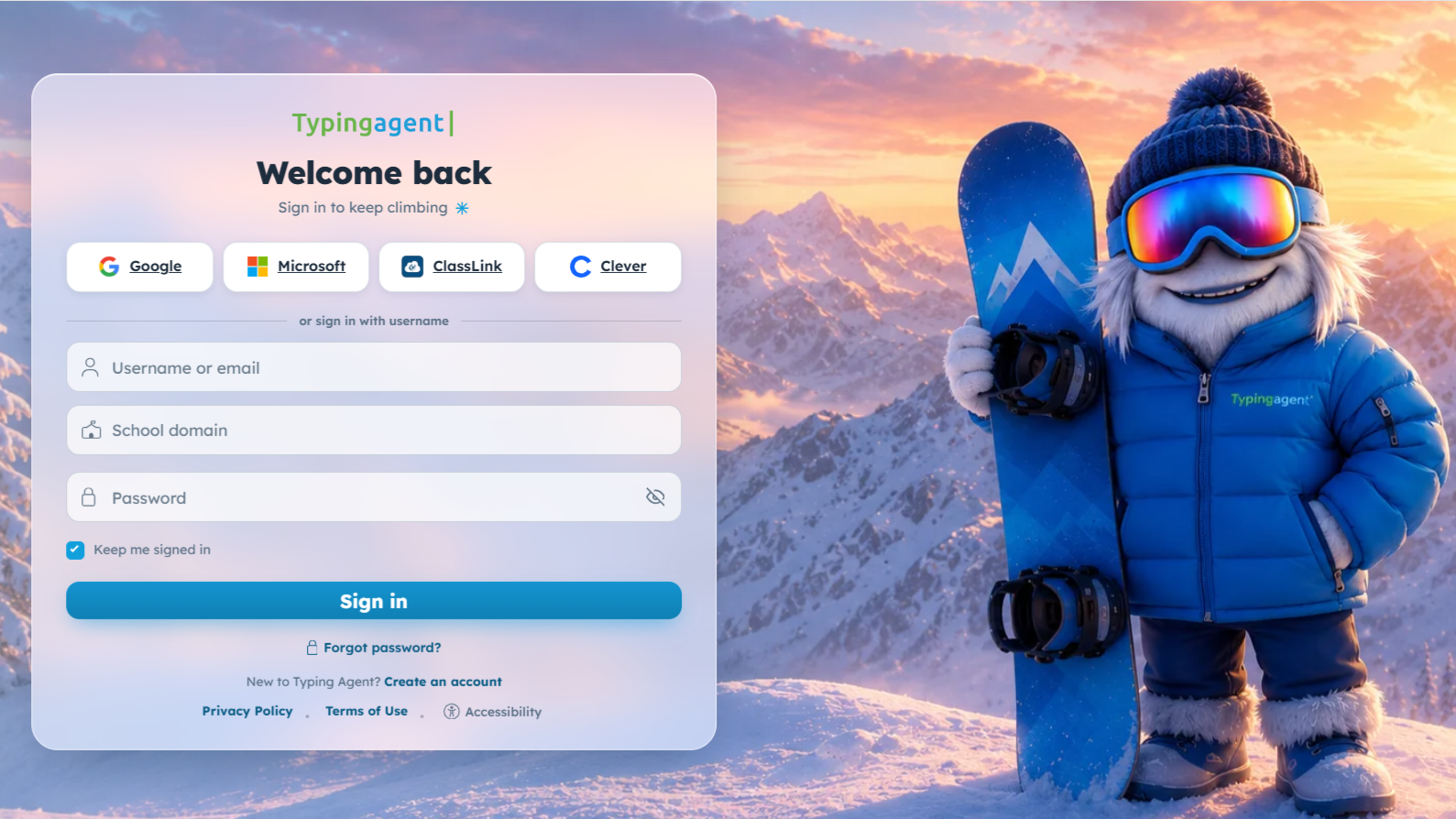 Student login
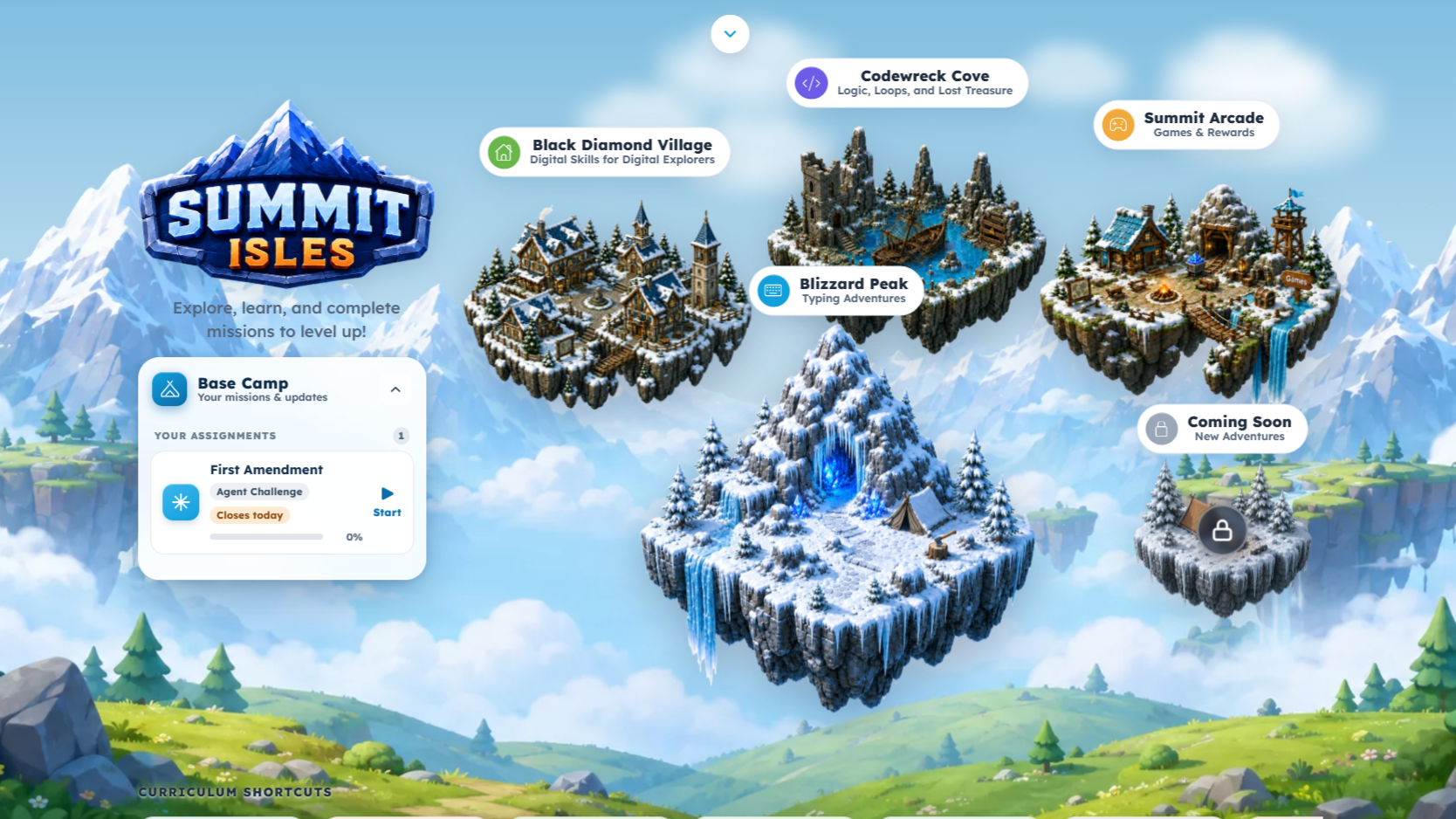 Summit Isles
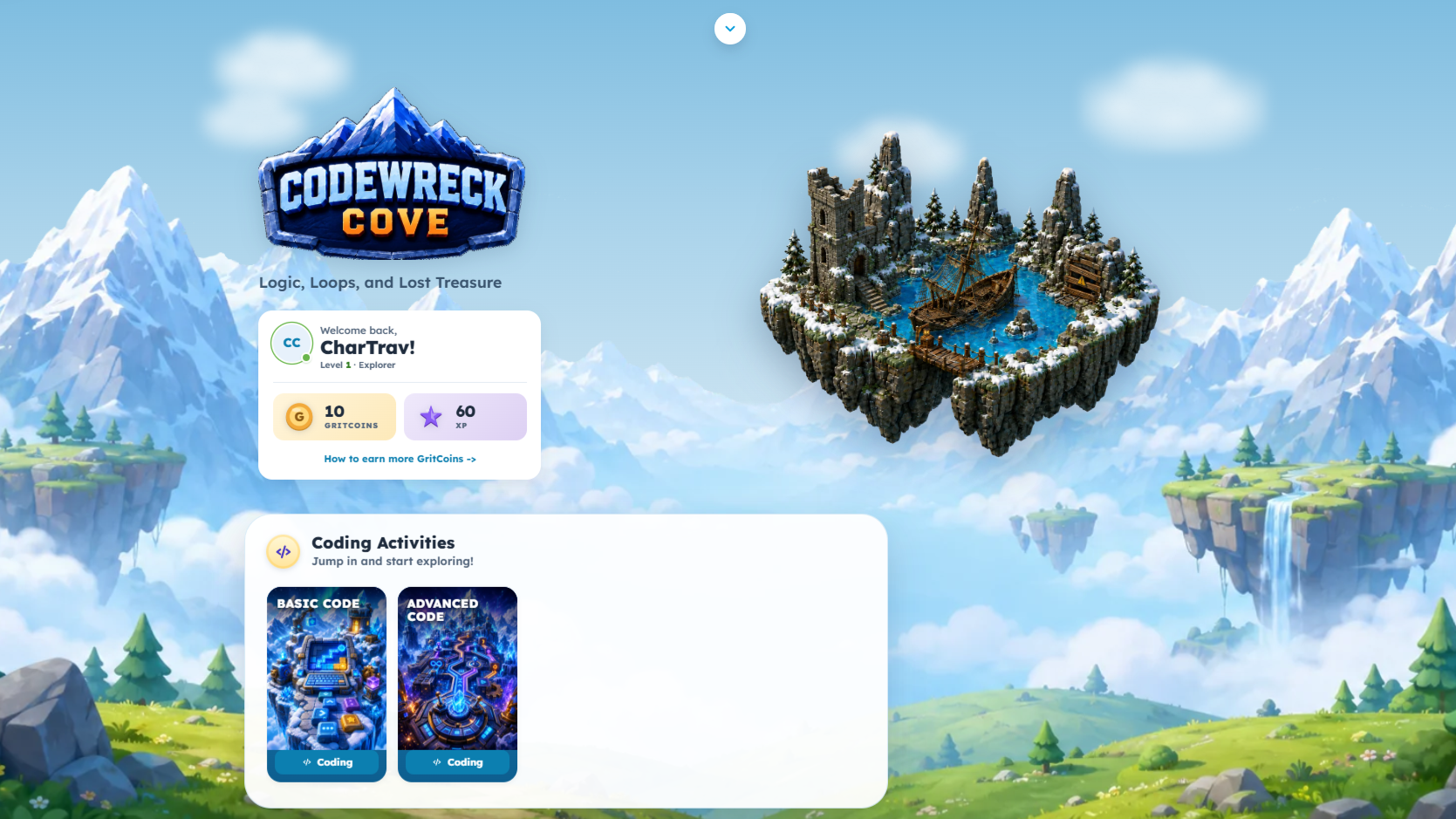 Codewreck Cove
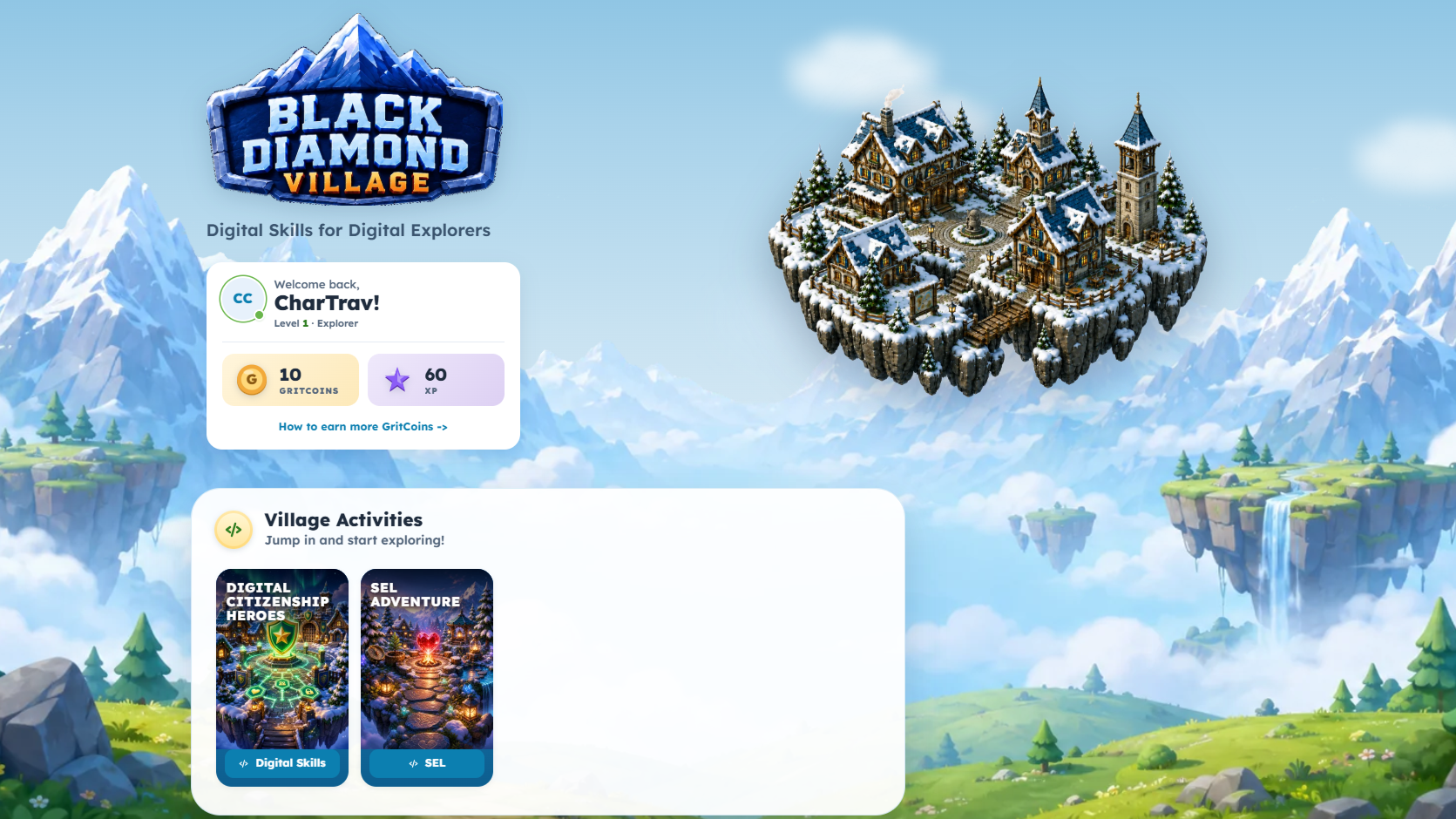 Black Diamond Village
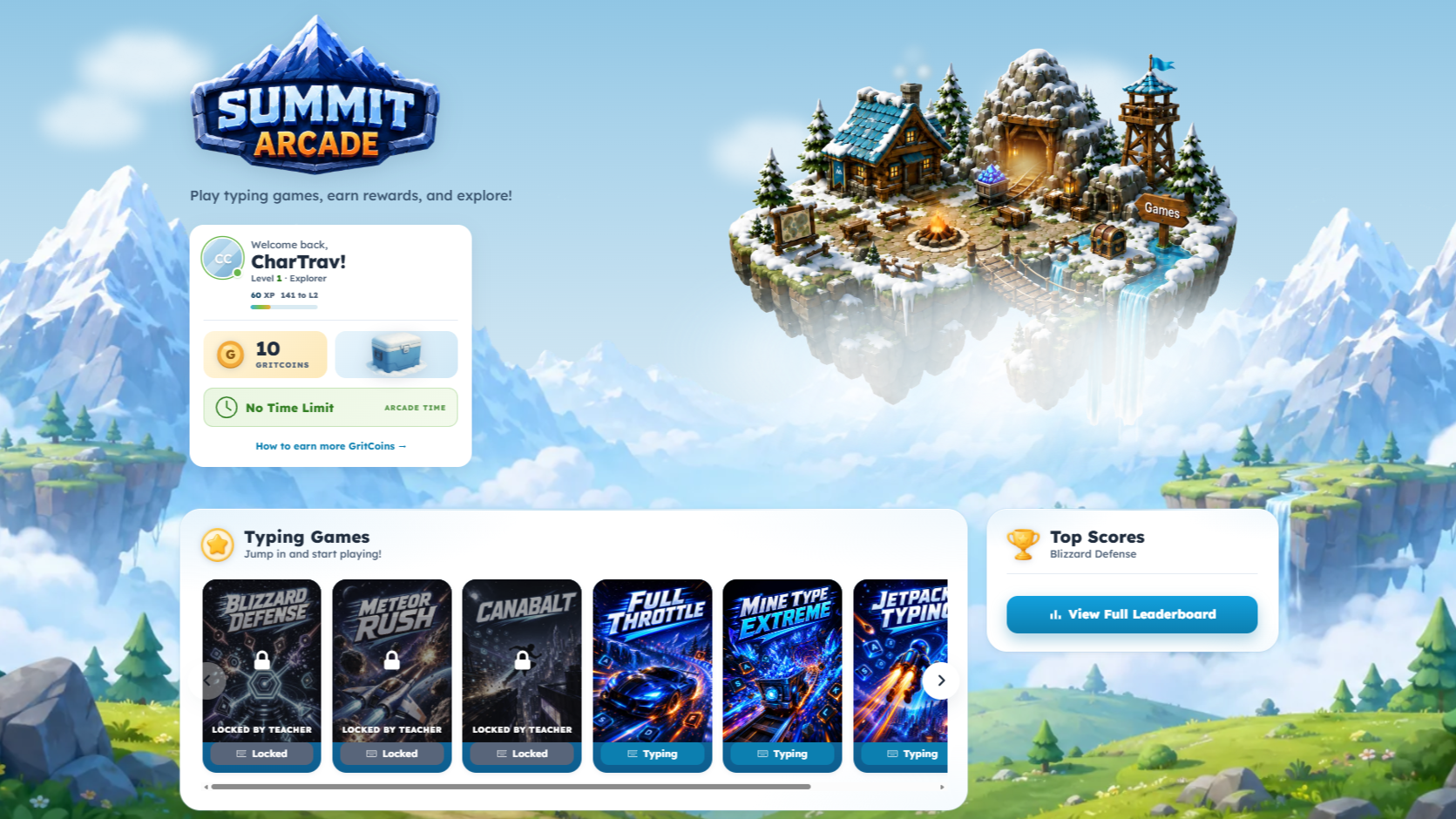 Summit Arcade
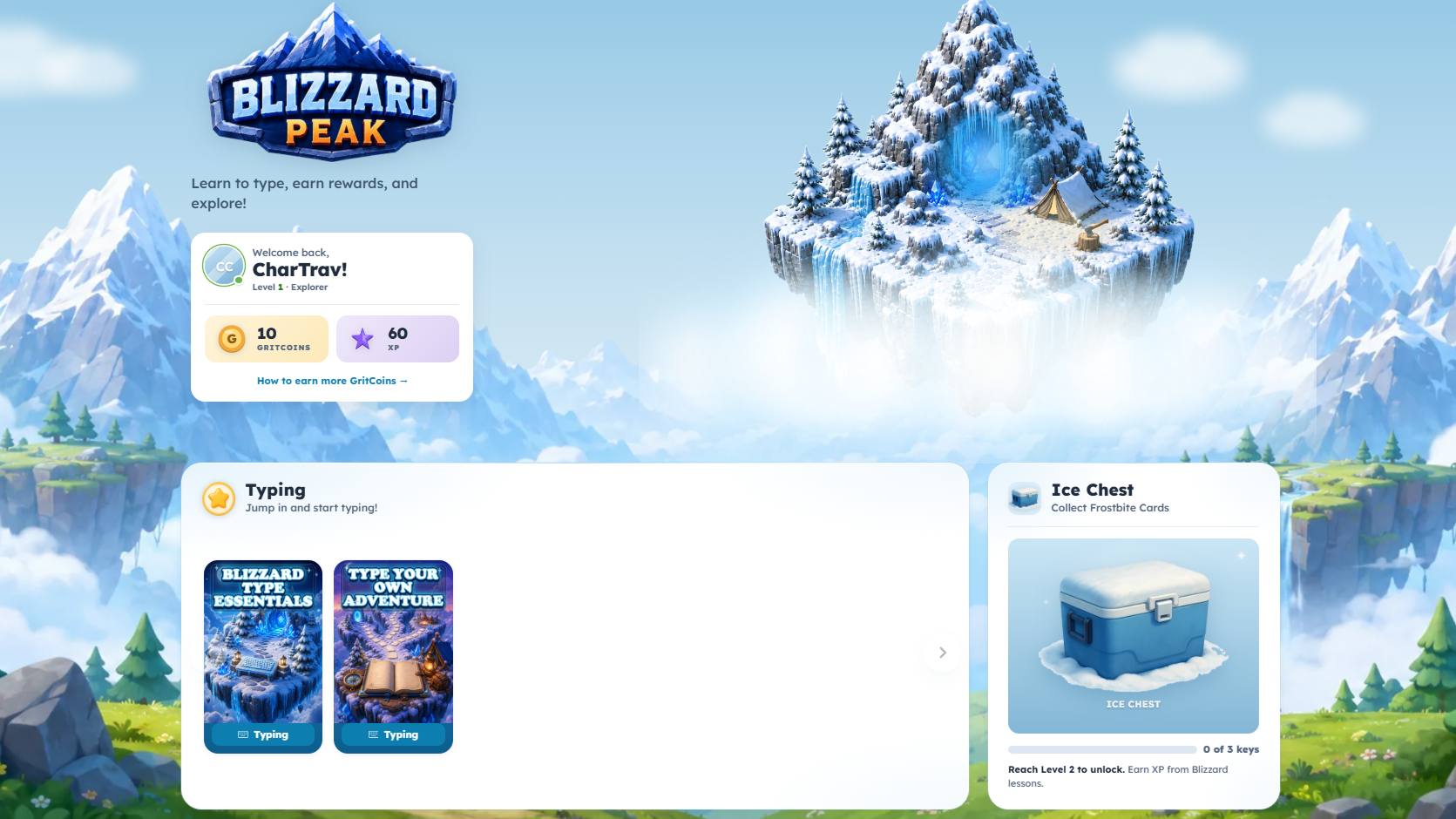 Blizzard Peak
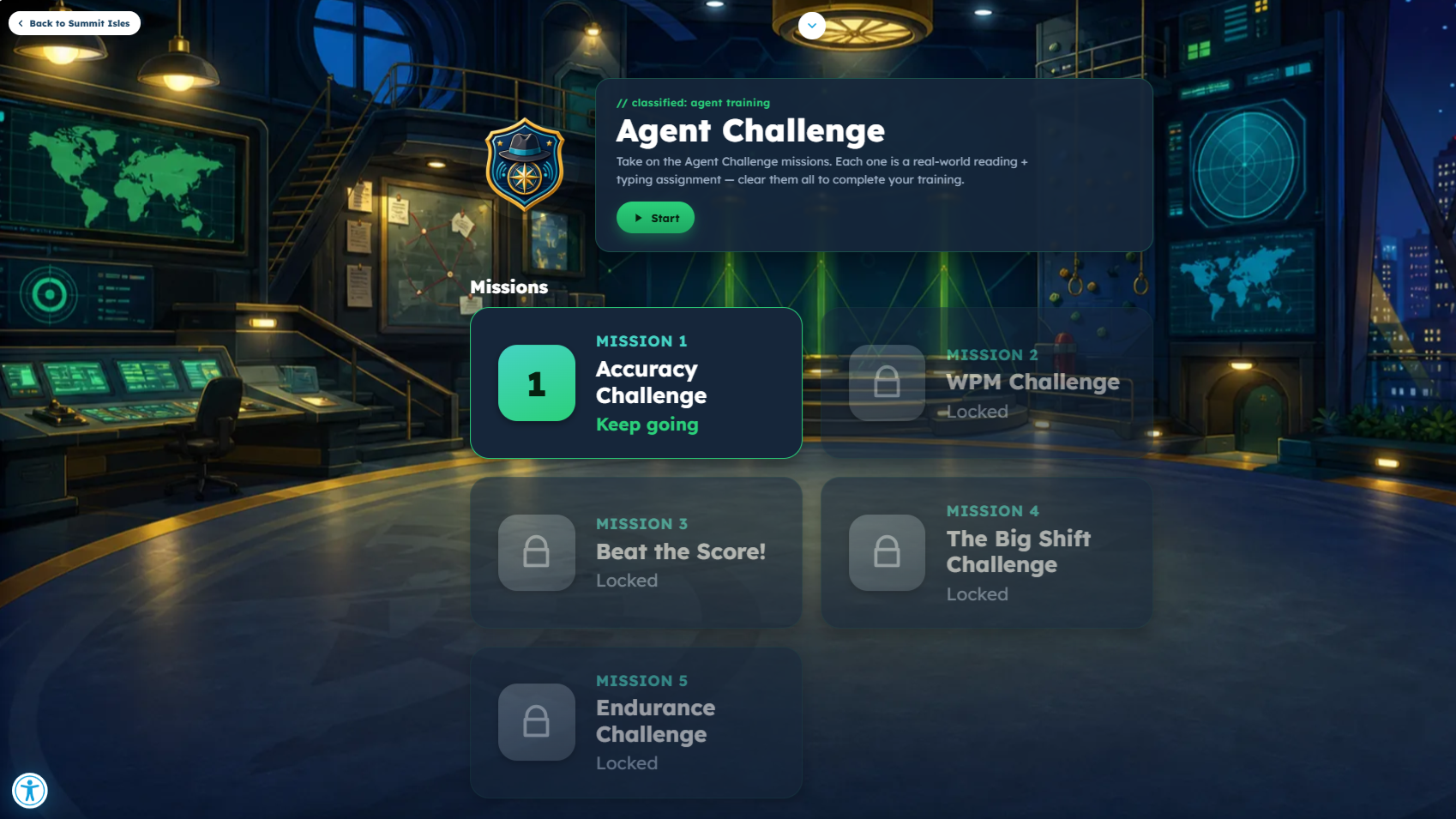 Agent Challenge
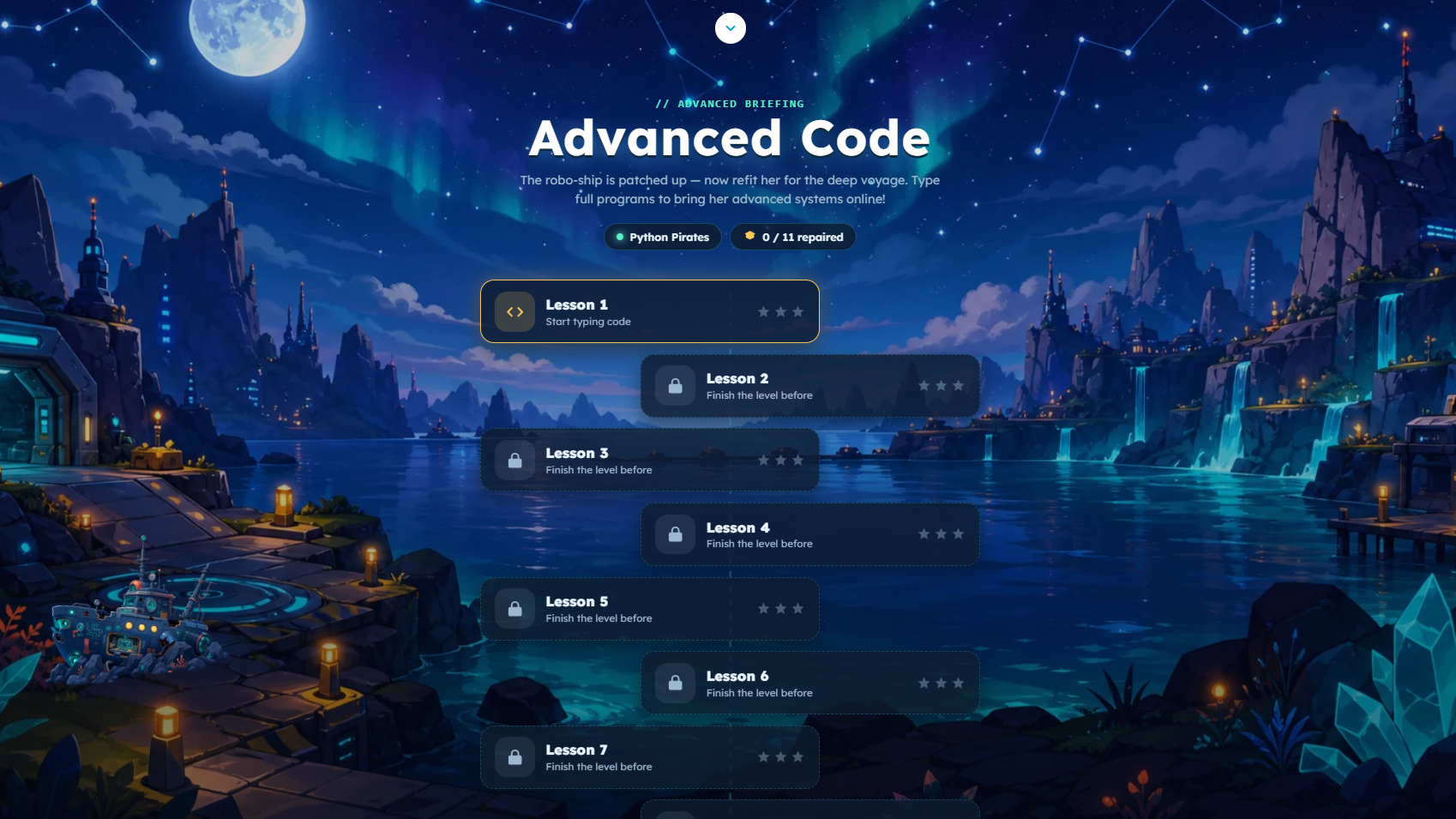 Advanced Code
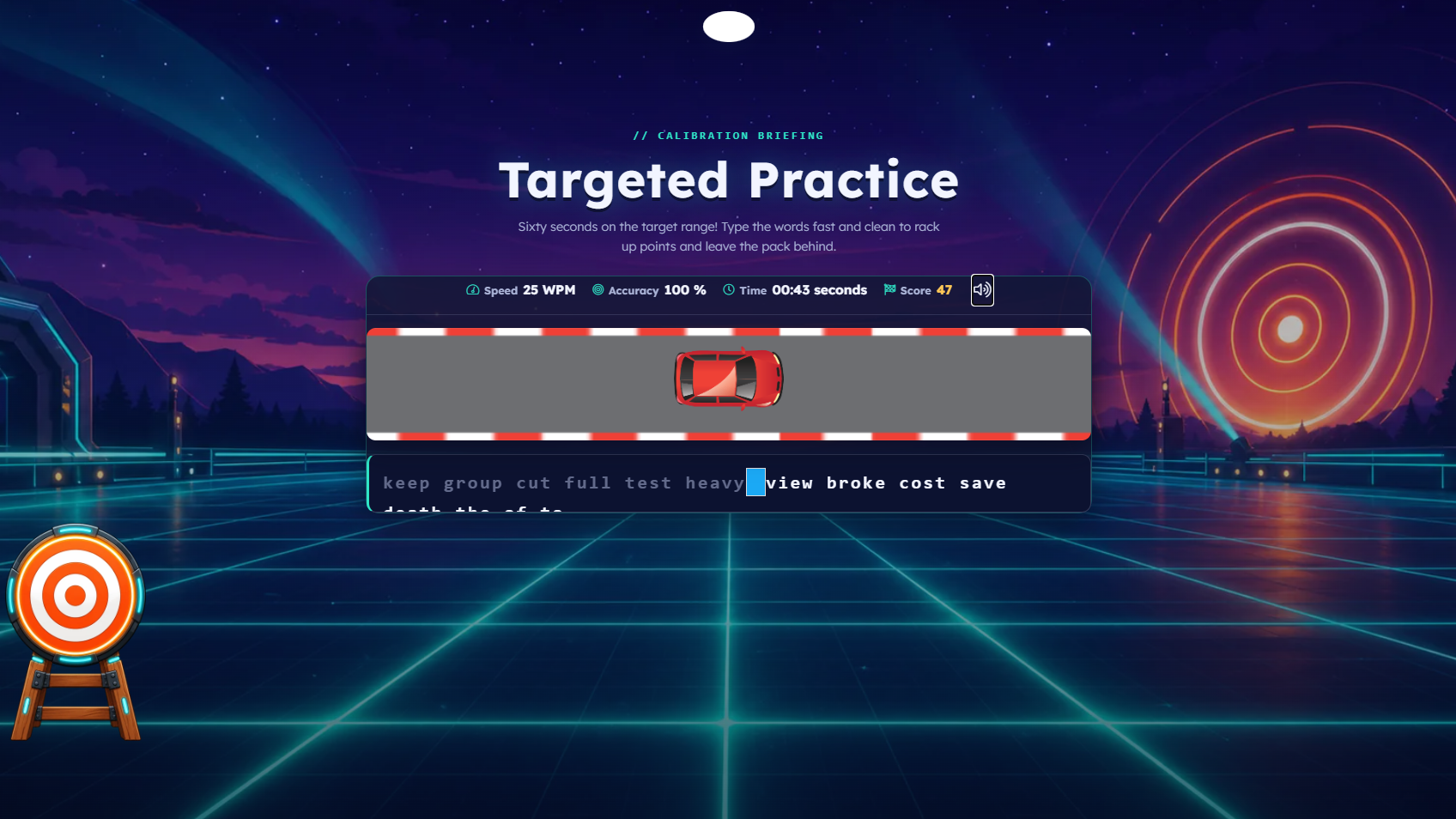 Target Practice
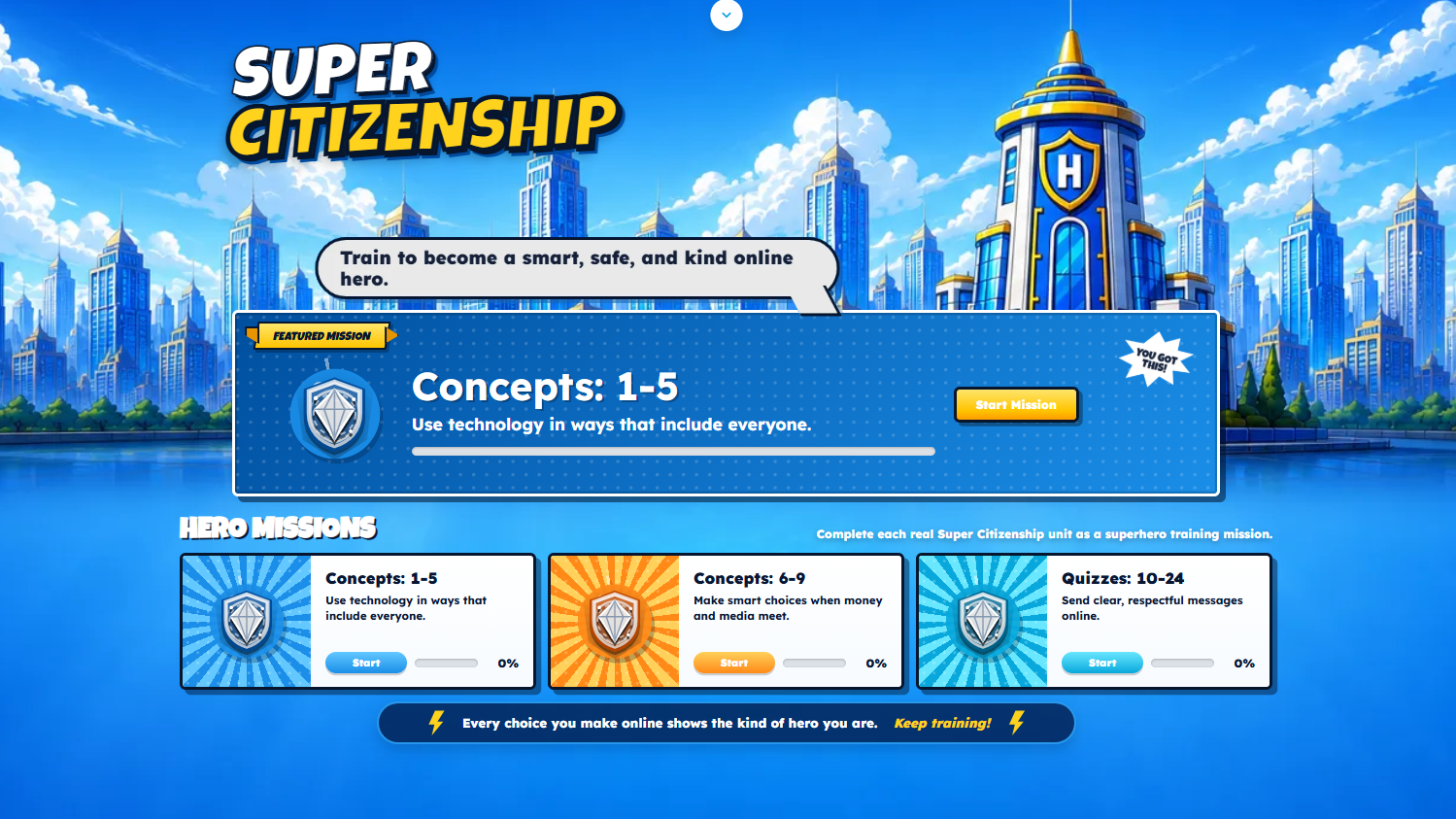
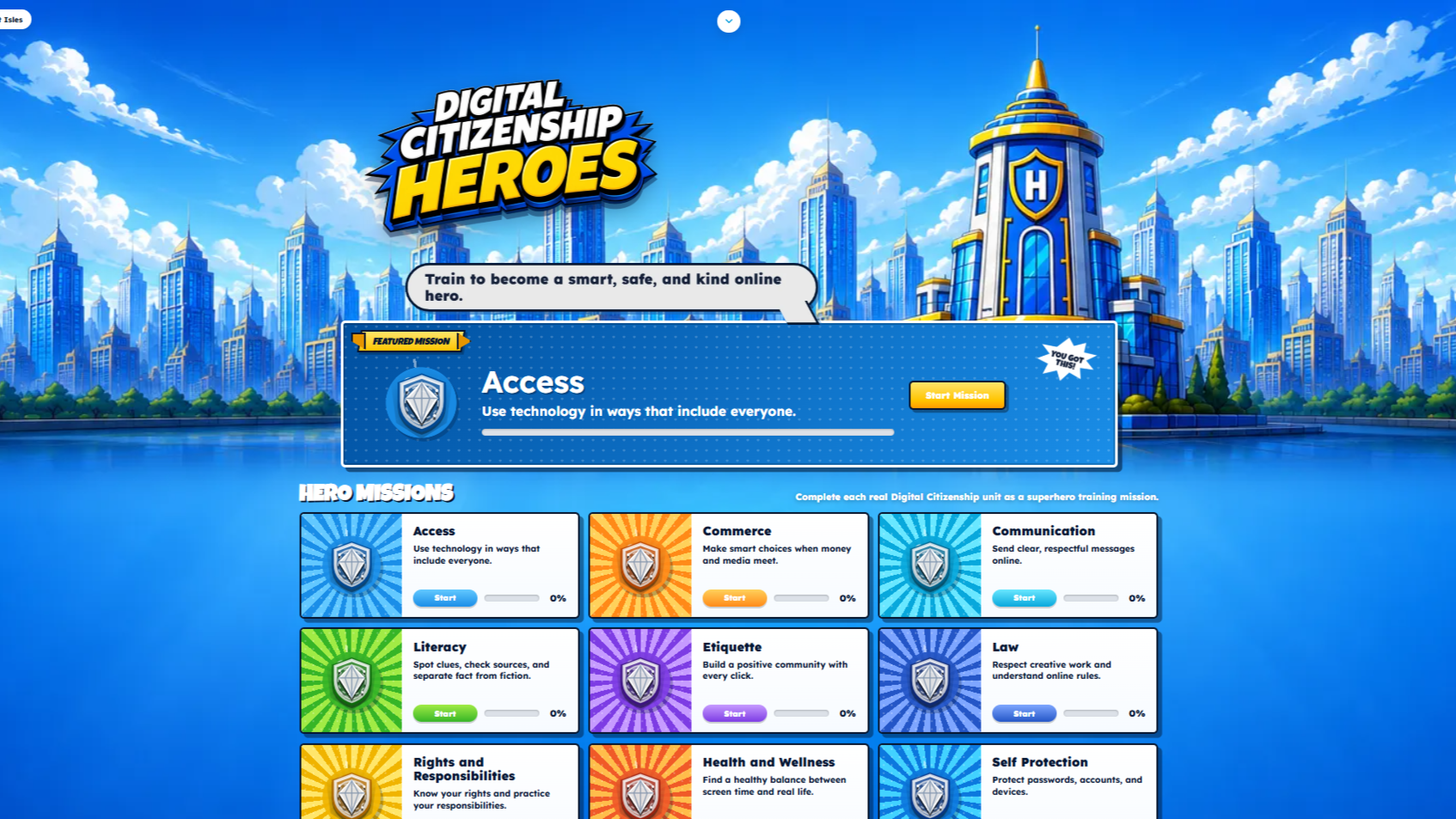 Digital Citizenship Heroes
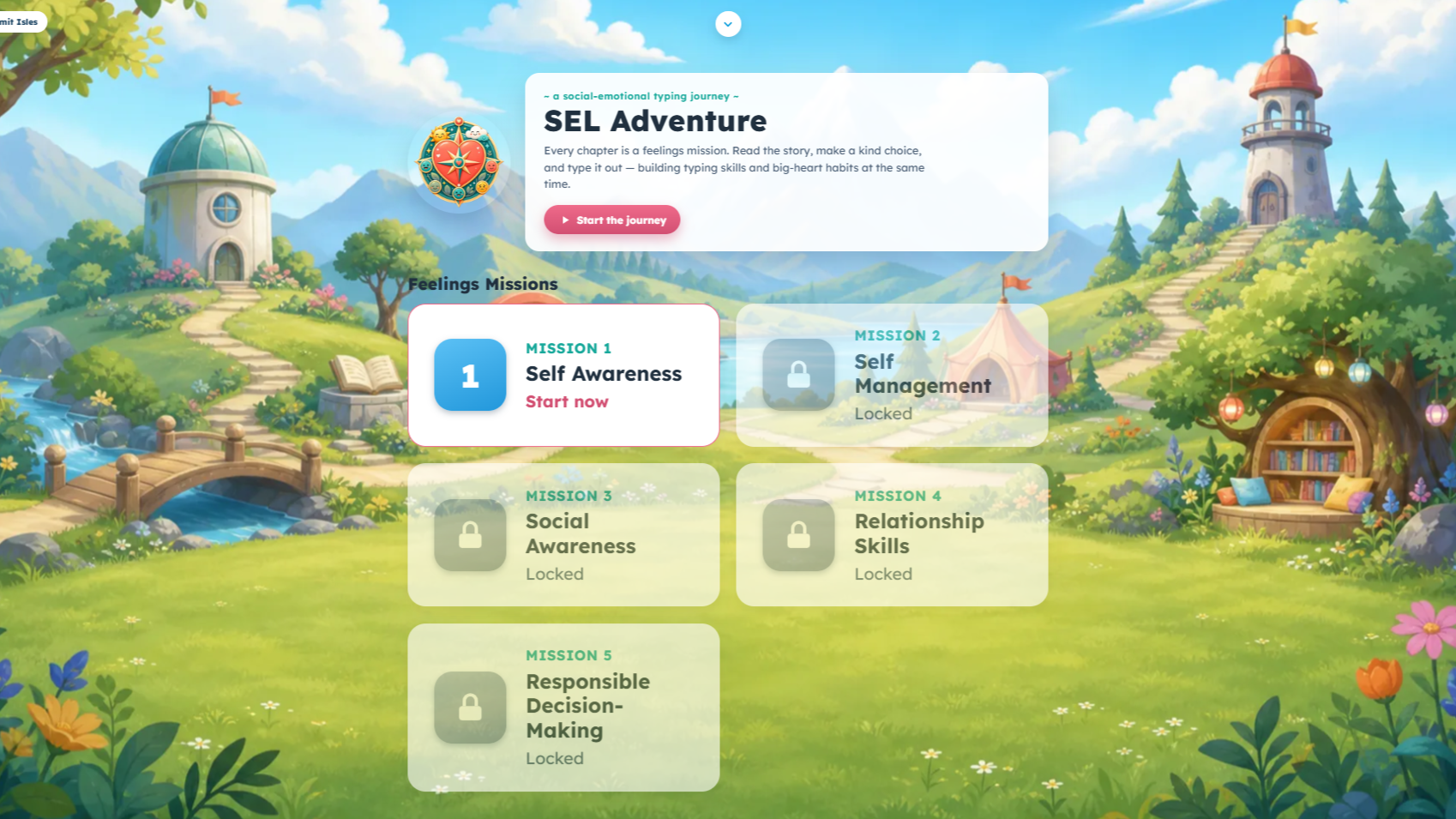 SEL Adventure
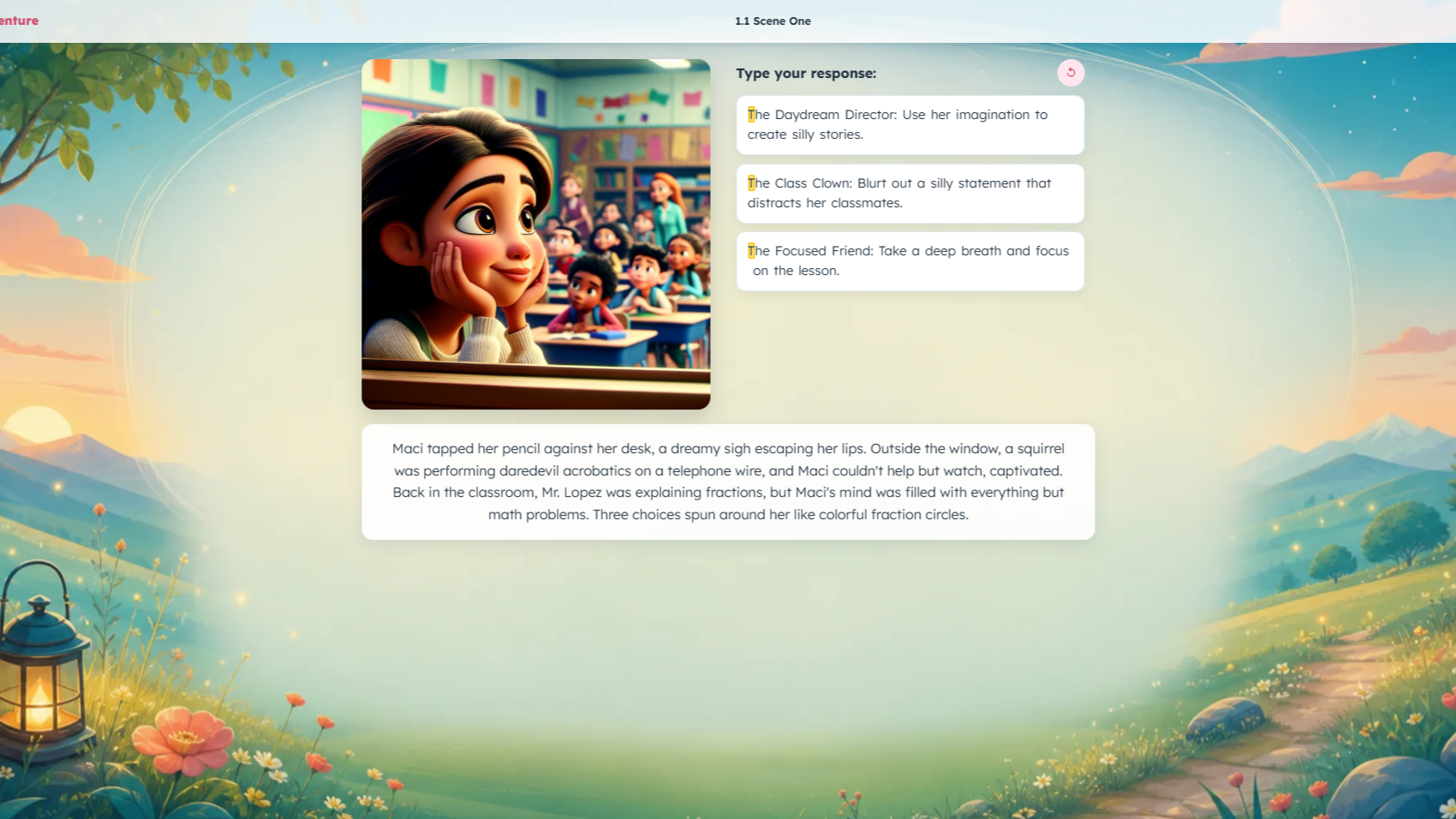 SEL Adventure, another view
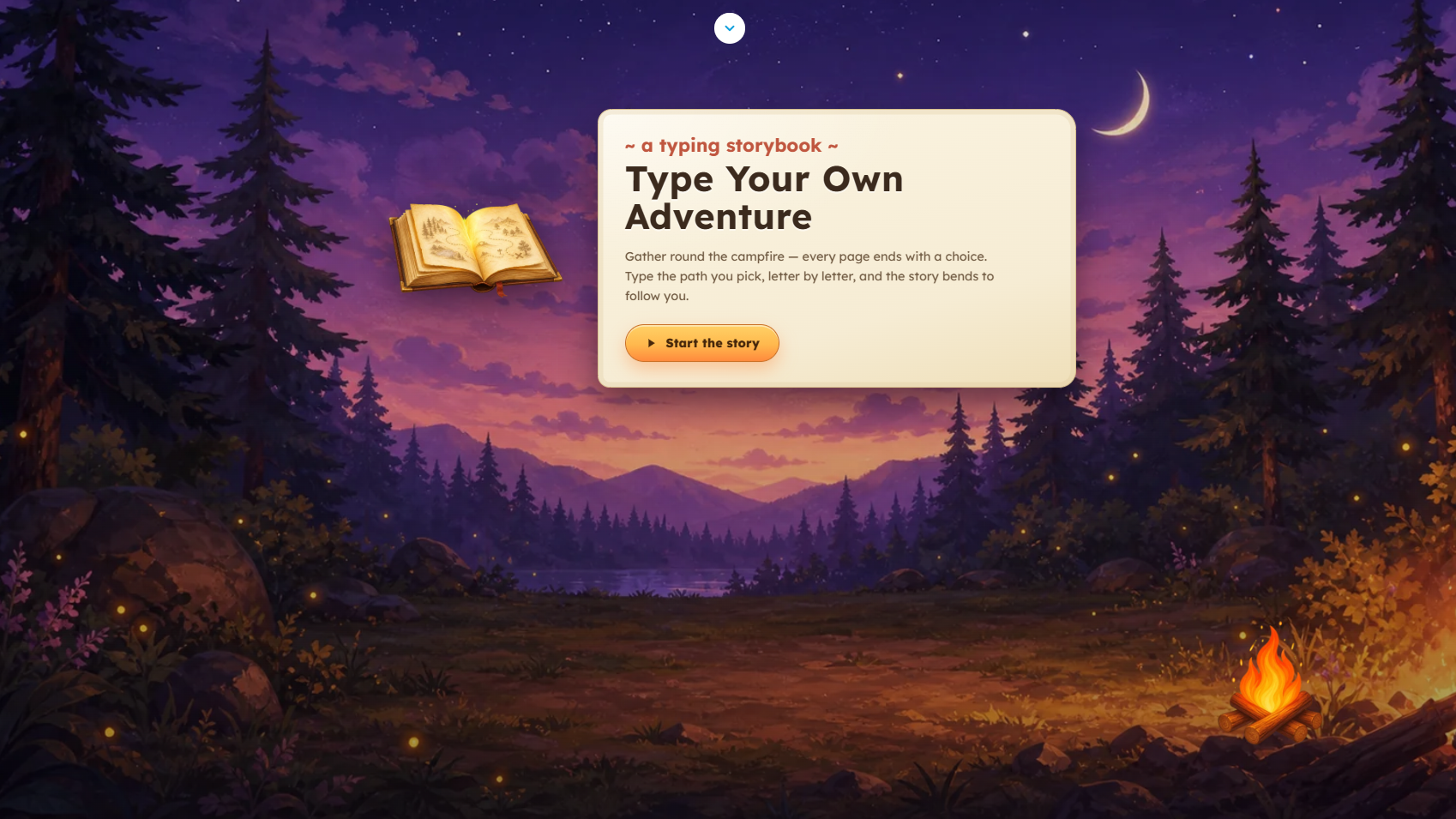 Type Your Own Adventure
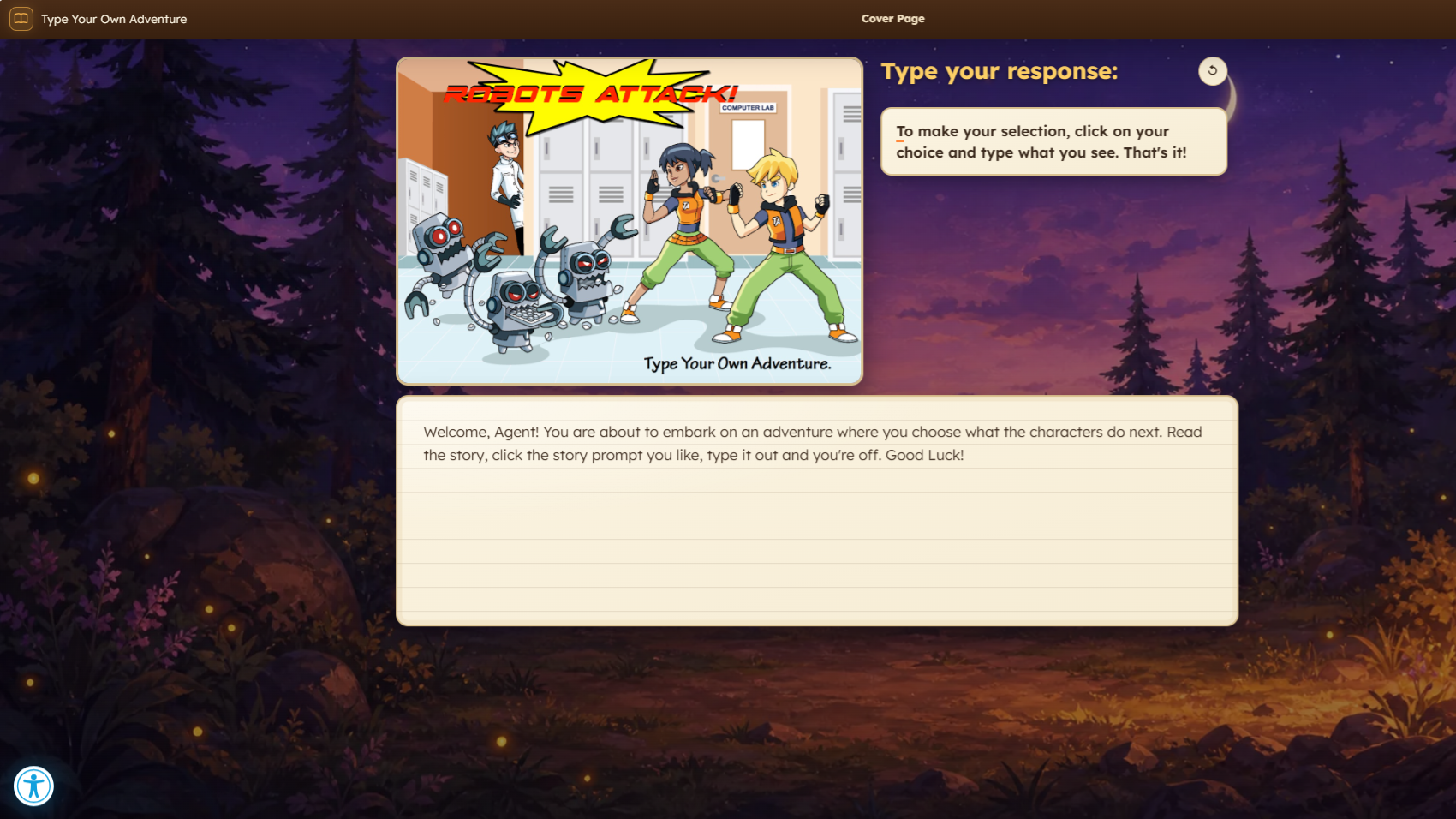 Type Your Own Adventure, another view
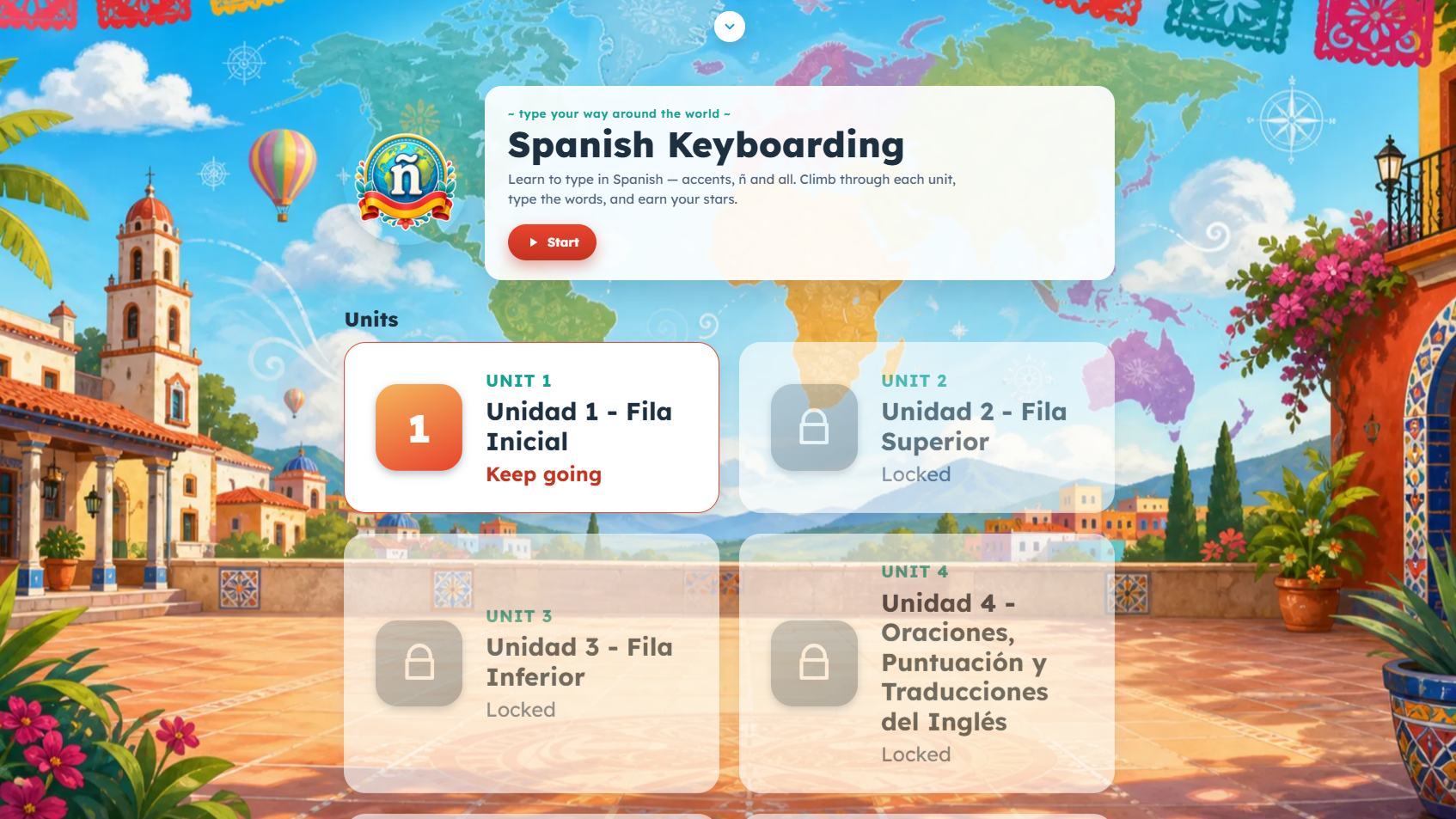 Spanish Keyboarding
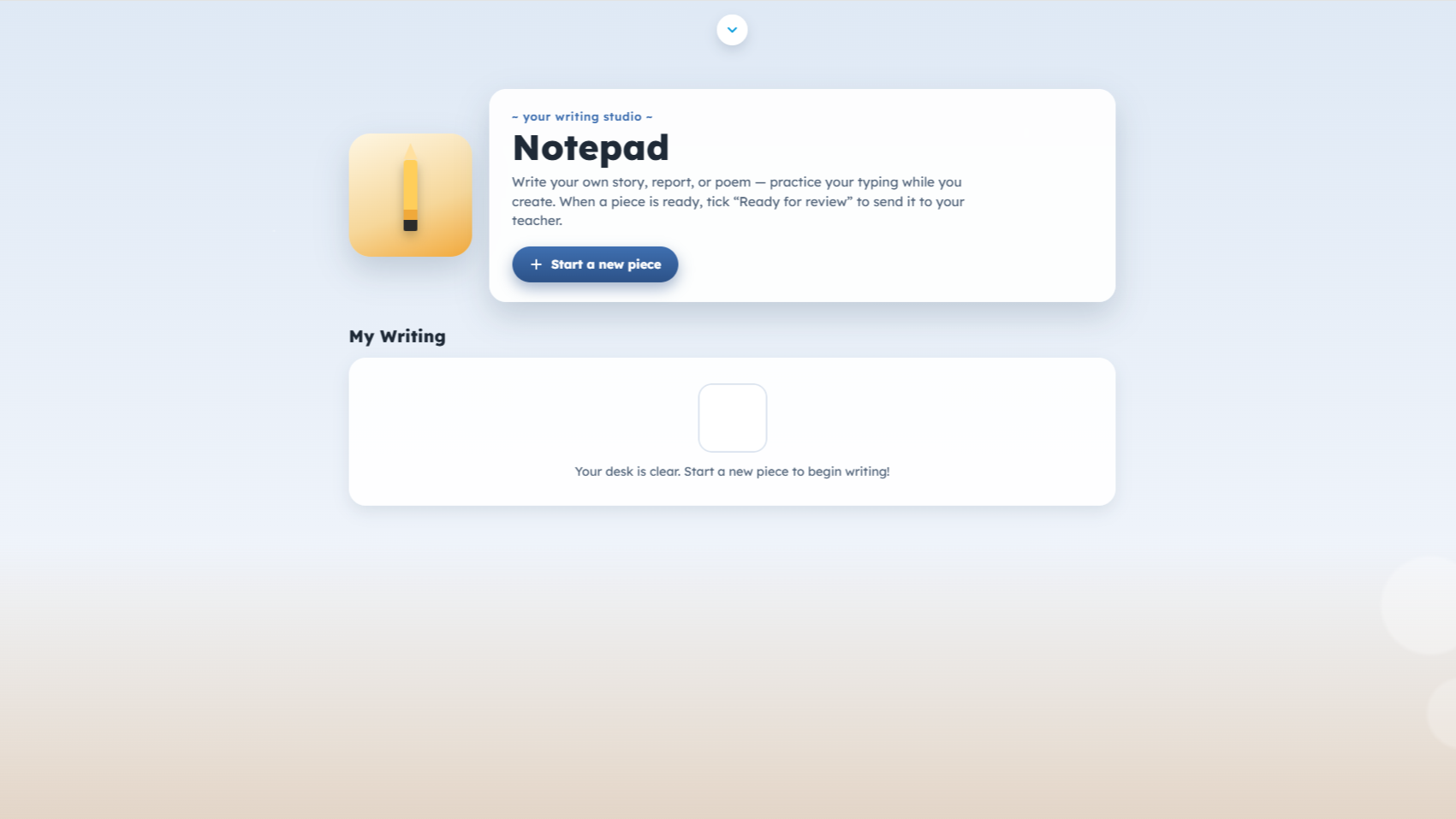 Notepad
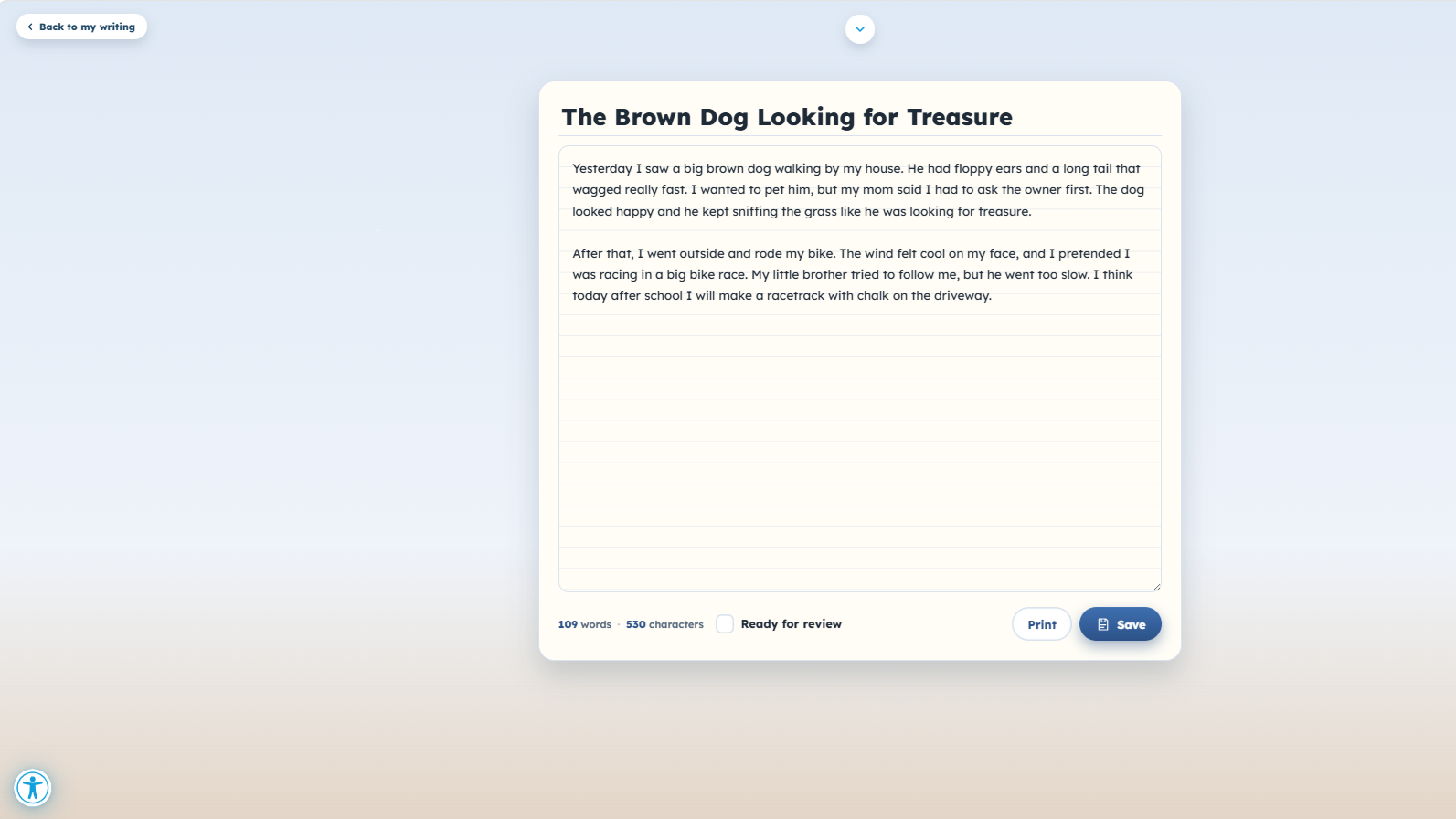 Notepad, another view
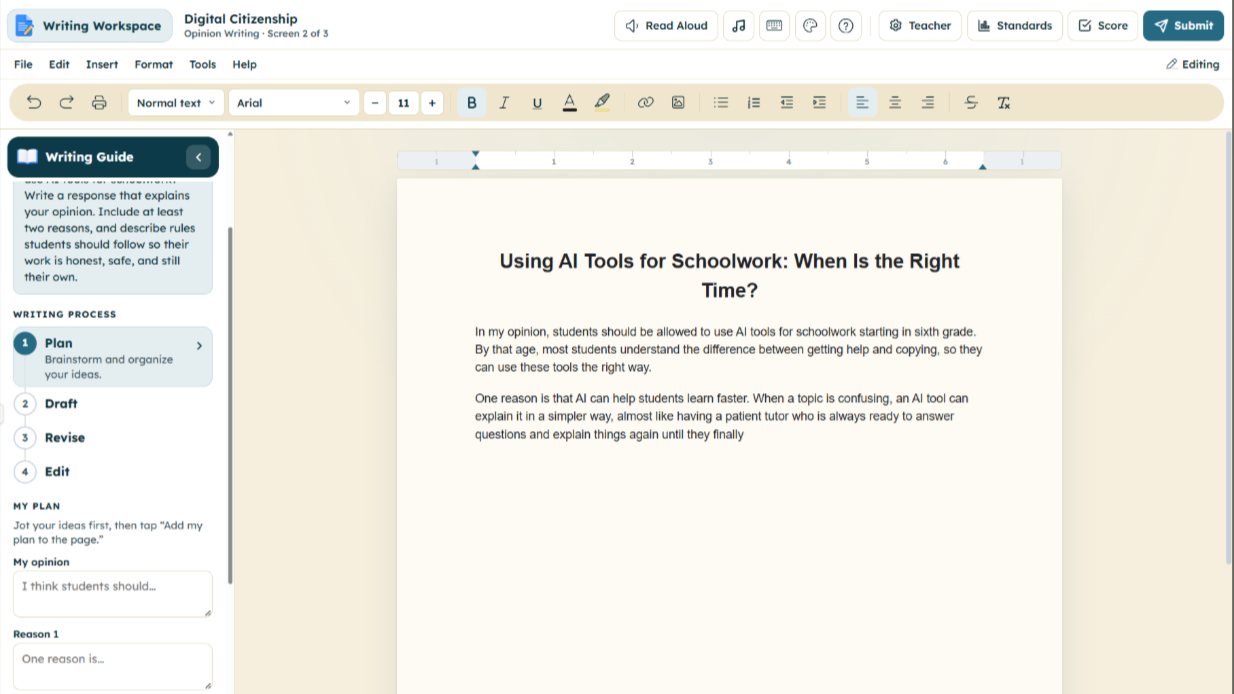 Writing Workspace
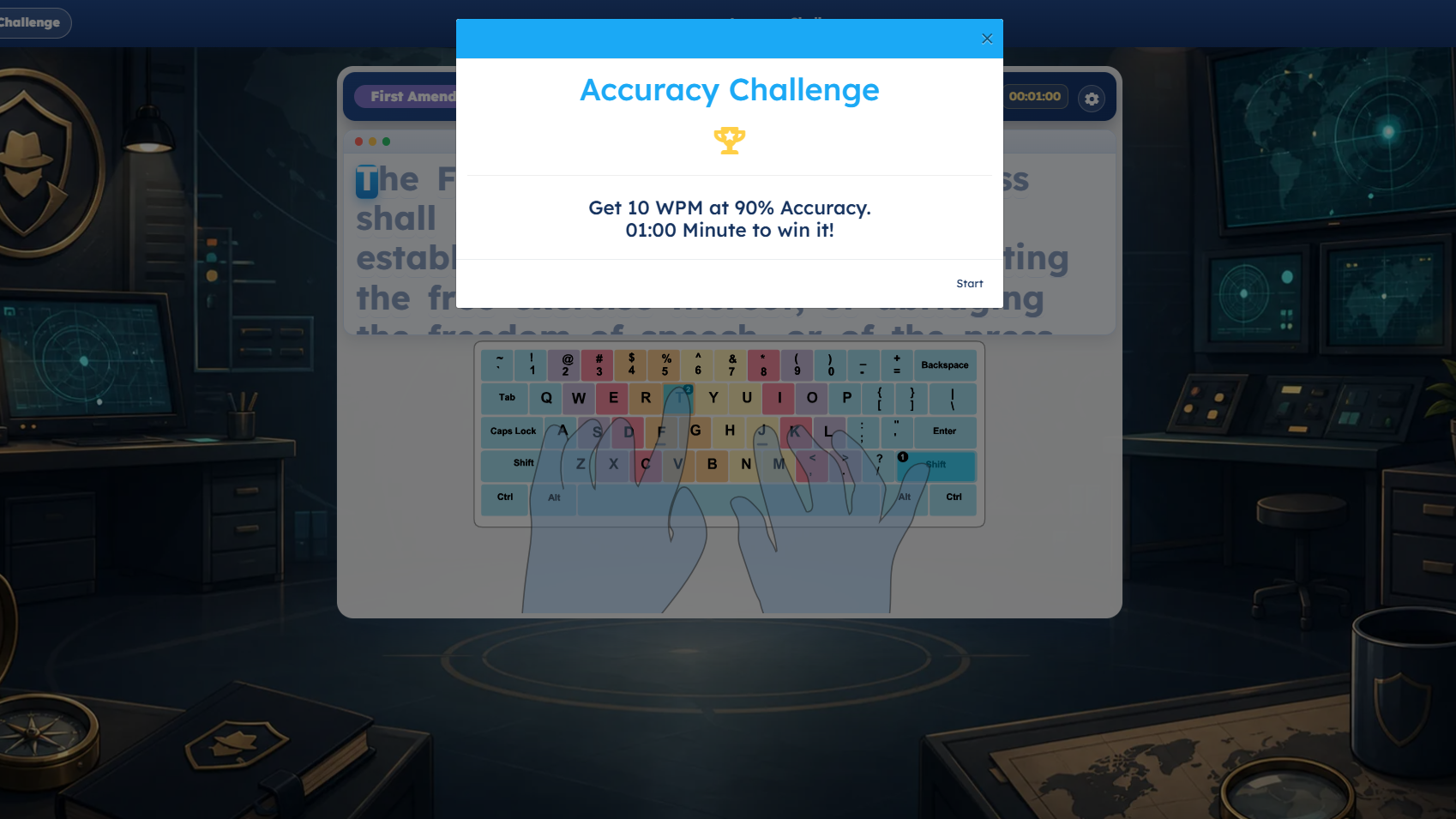 Accuracy Challenge
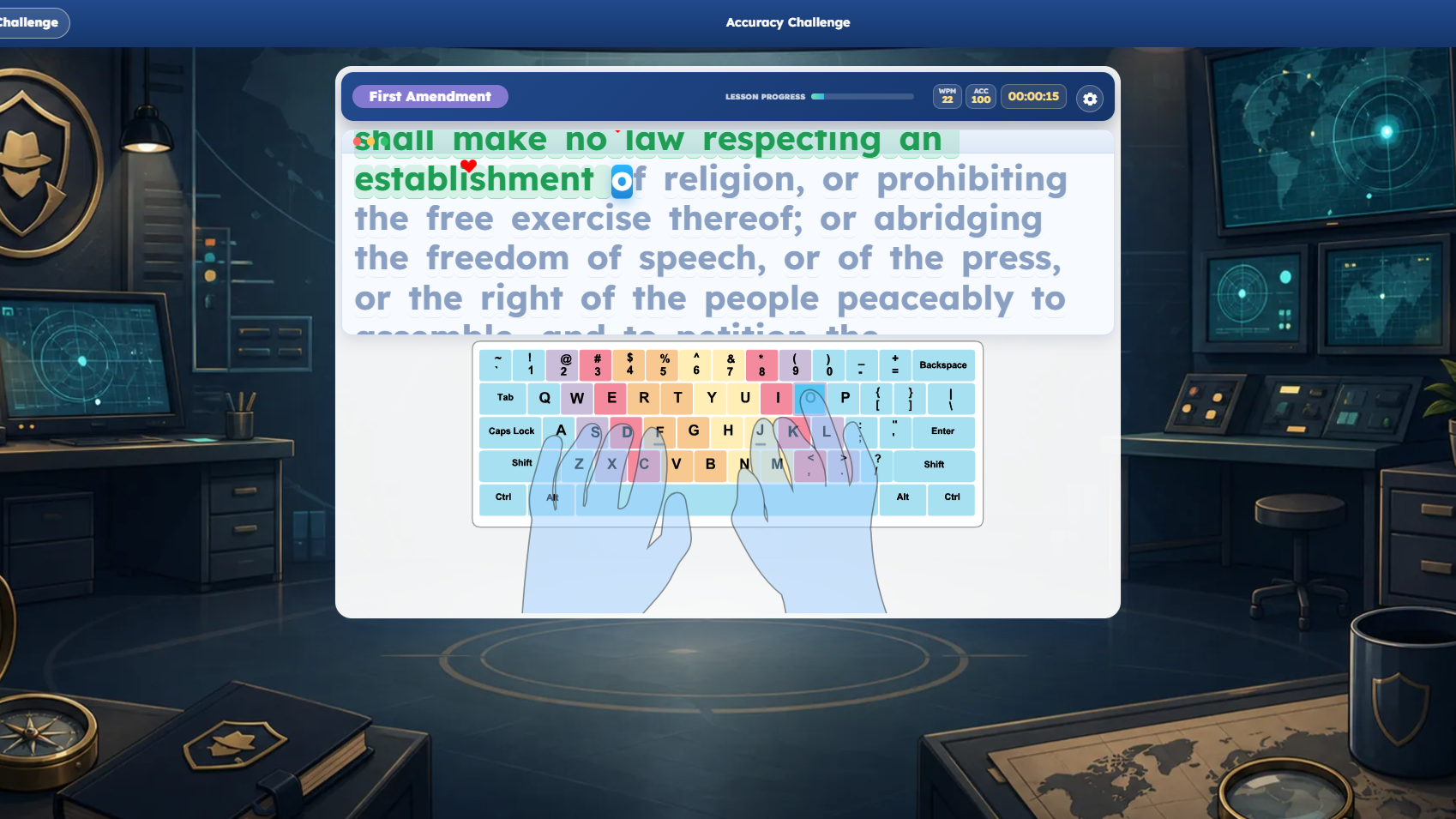 Accuracy Challenge, another view
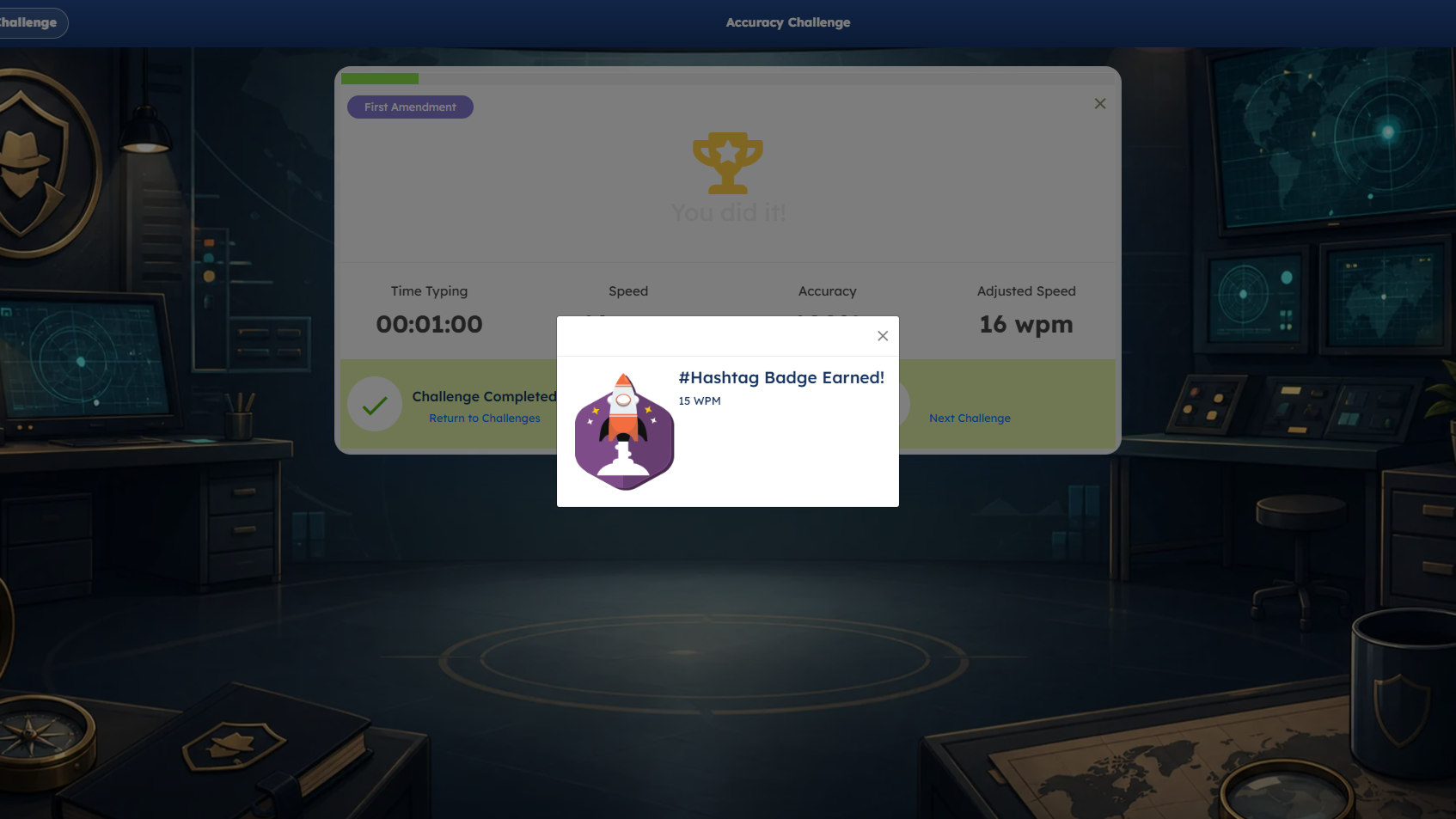 Accuracy Challenge, third view
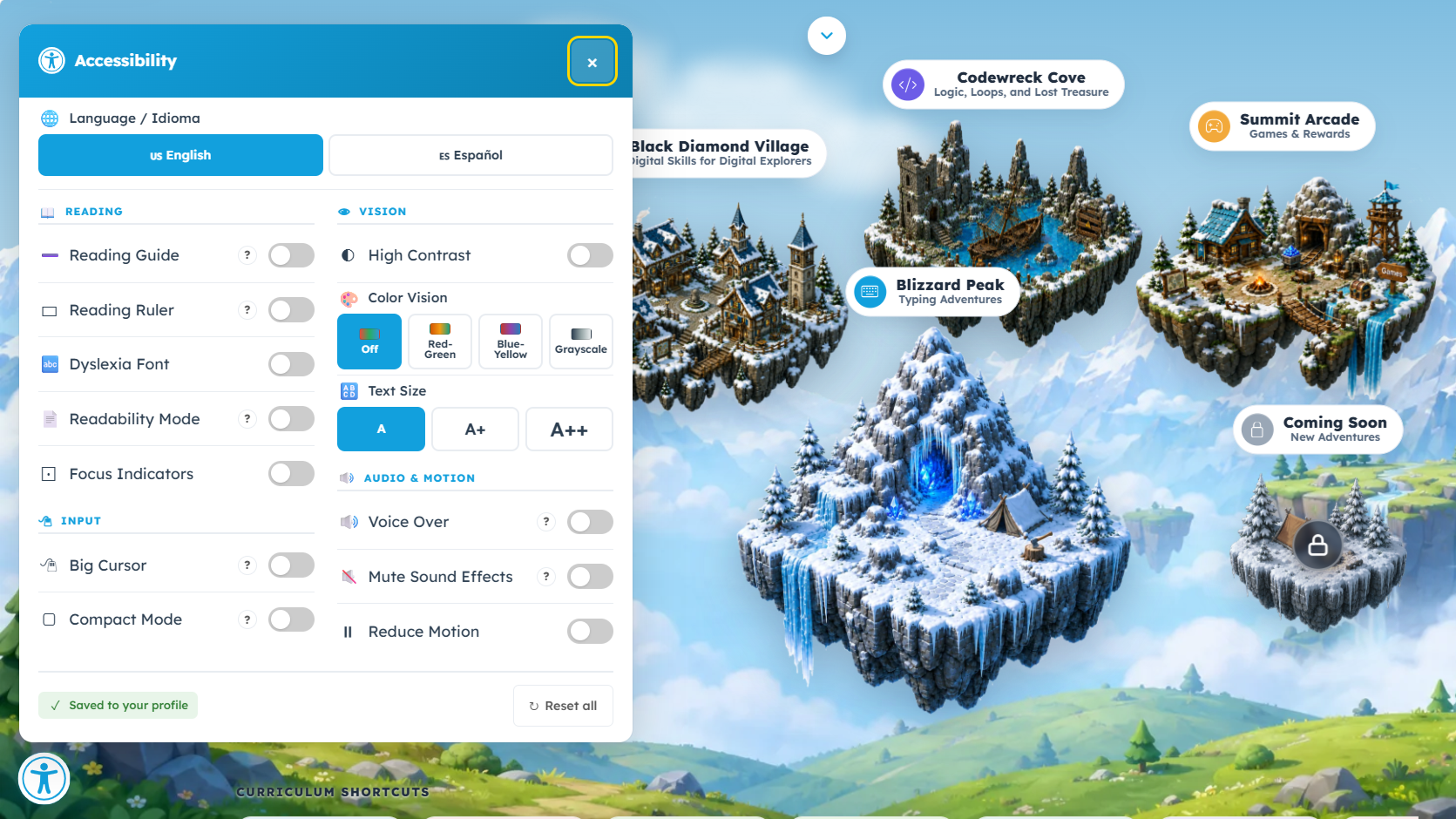 Accessibility settings
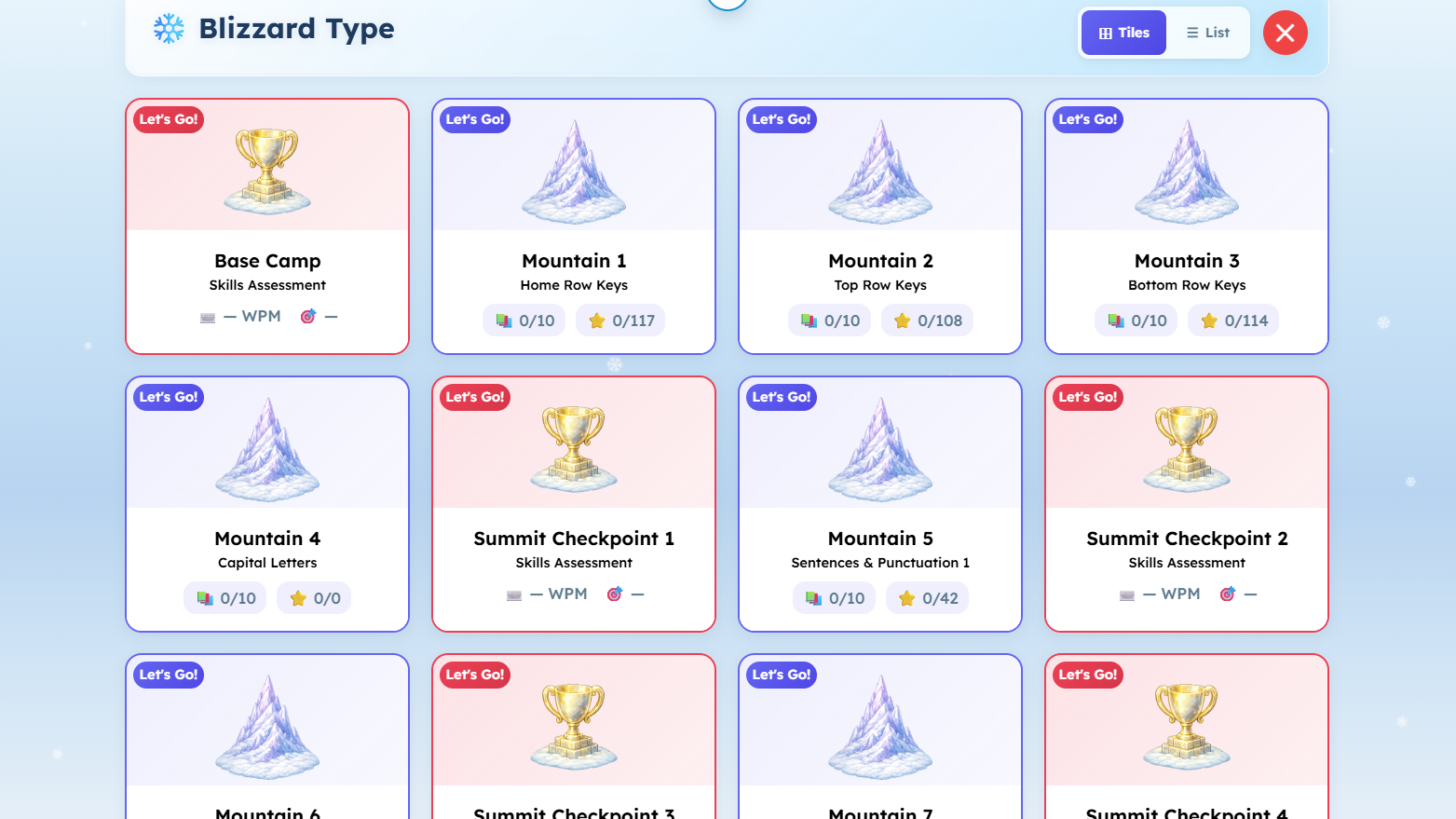
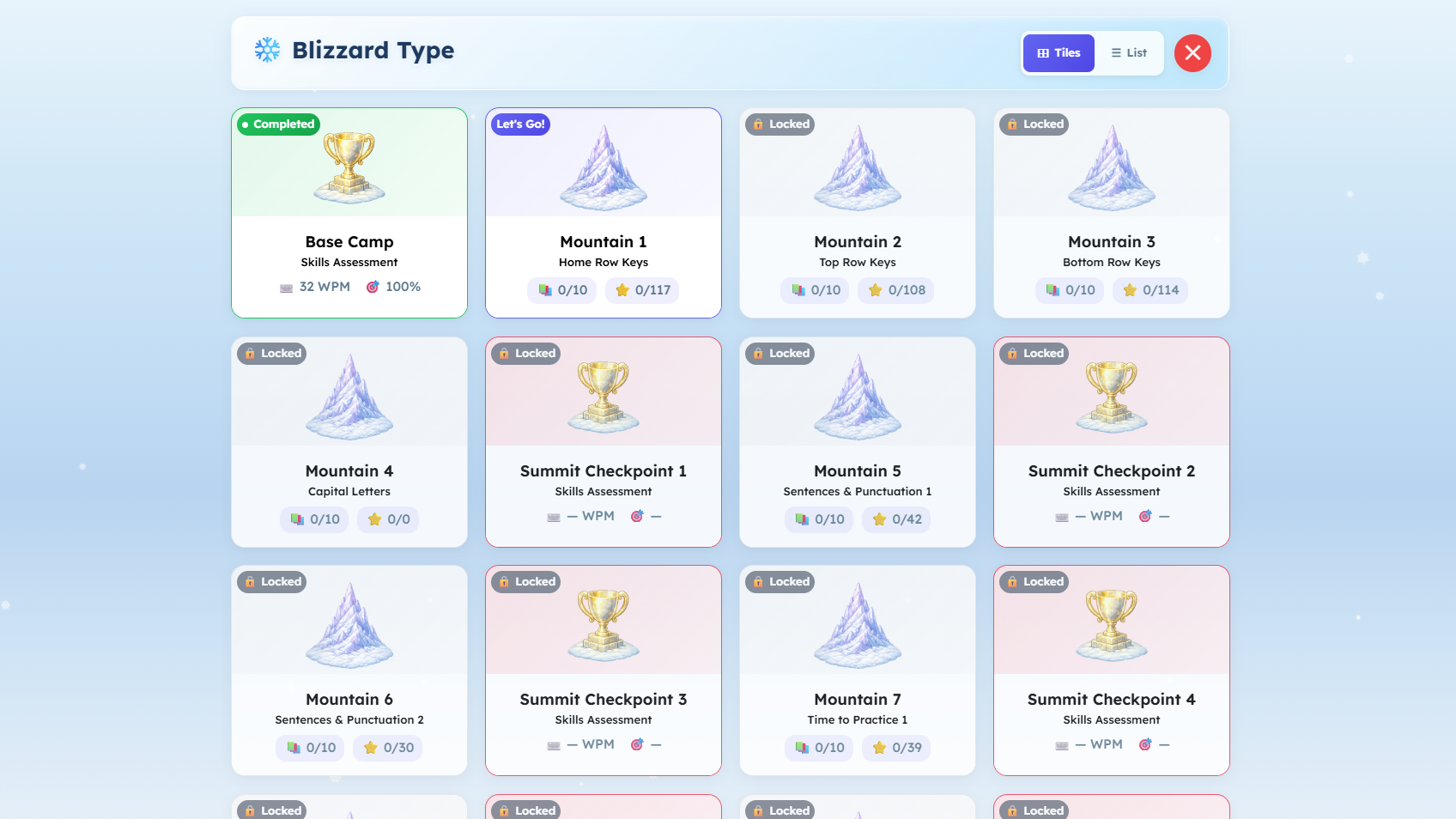 Blizzard Type
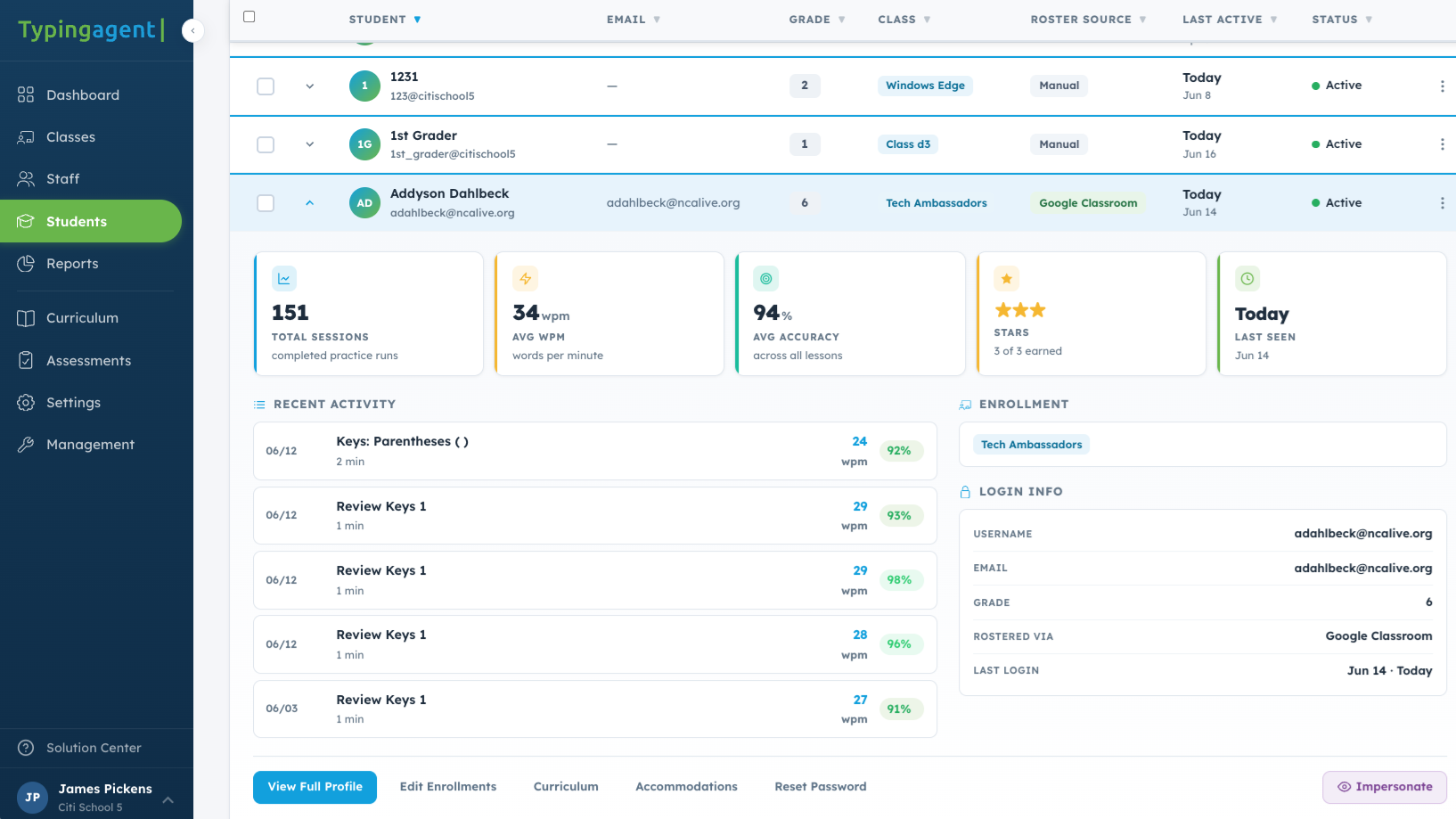 Student dashboard
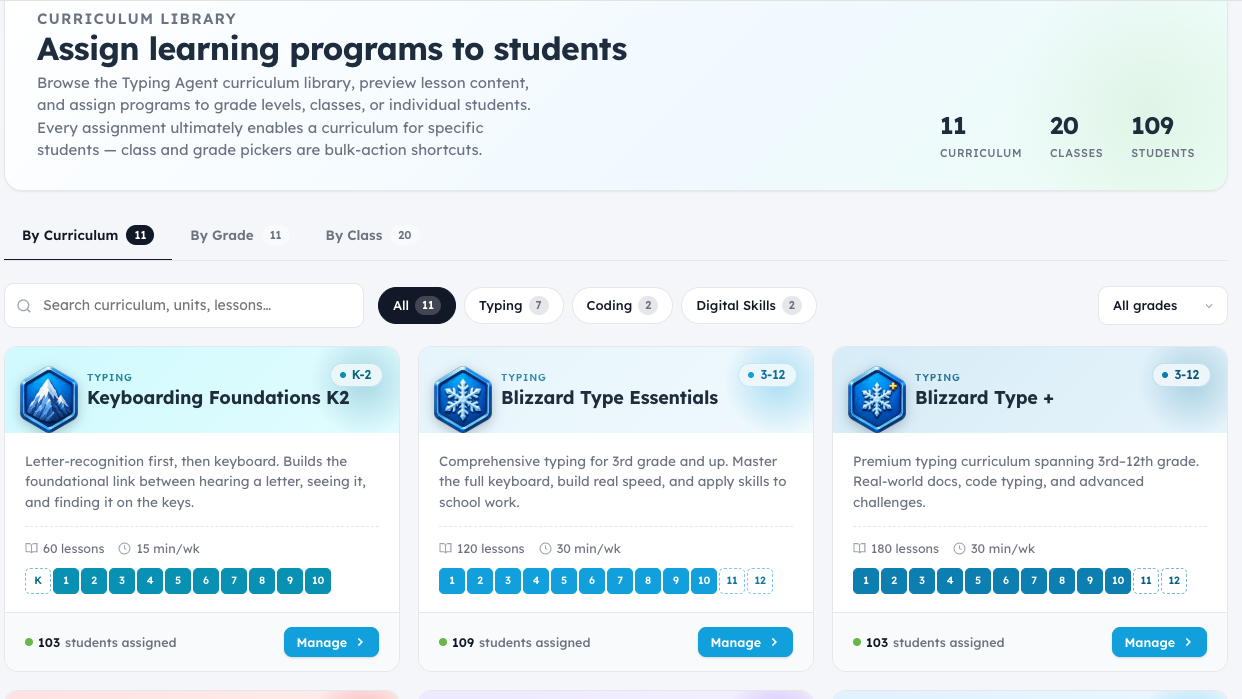 Assign learning
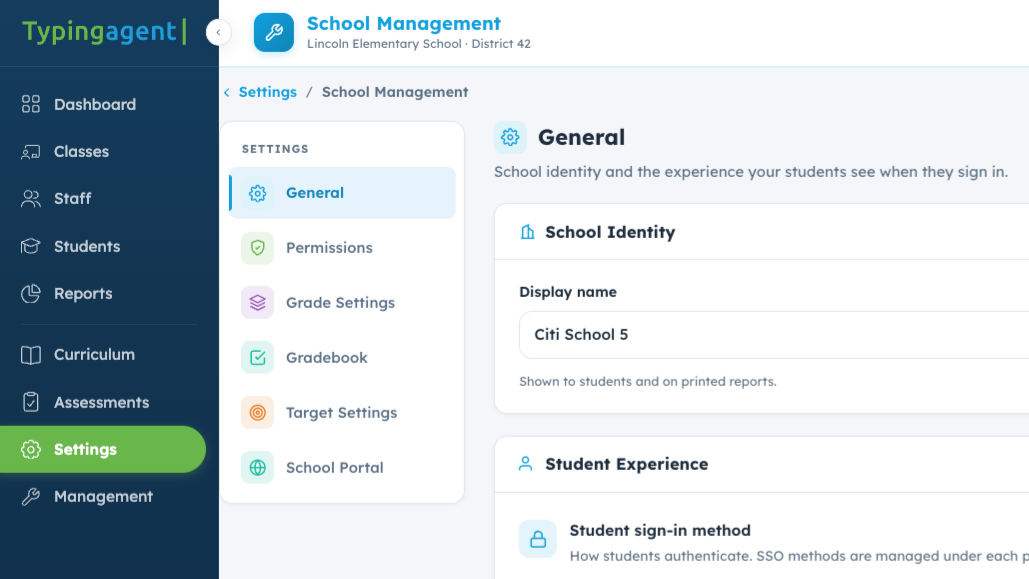 Dashboard settings
The keyboard tax
Supports Standardized Test Prep for Student Success
Picture a 60-minute writing session and a 300-word response. The prompt is the same for both students. The clock is not.
The math: 300 words divided by 9 WPM equals about 33 minutes of pure typing. At 30 WPM, it takes only 10.
Let’s explore together
See what fits your classroom.
Book a brief personalized tour to explore the courses, teacher tools, and resources that support your North Carolina goals. We can help you find a starting point for your students and answer your team’s questions.