
Explore Yeti Academy V6
Yeti Academy Show Resources
Thanks for visiting us at the booth. Browse the course dashboard, see how students start and track learning, and bring useful STEM resources back to your school or district.
Resources for your team
A clear view of what to learn next.
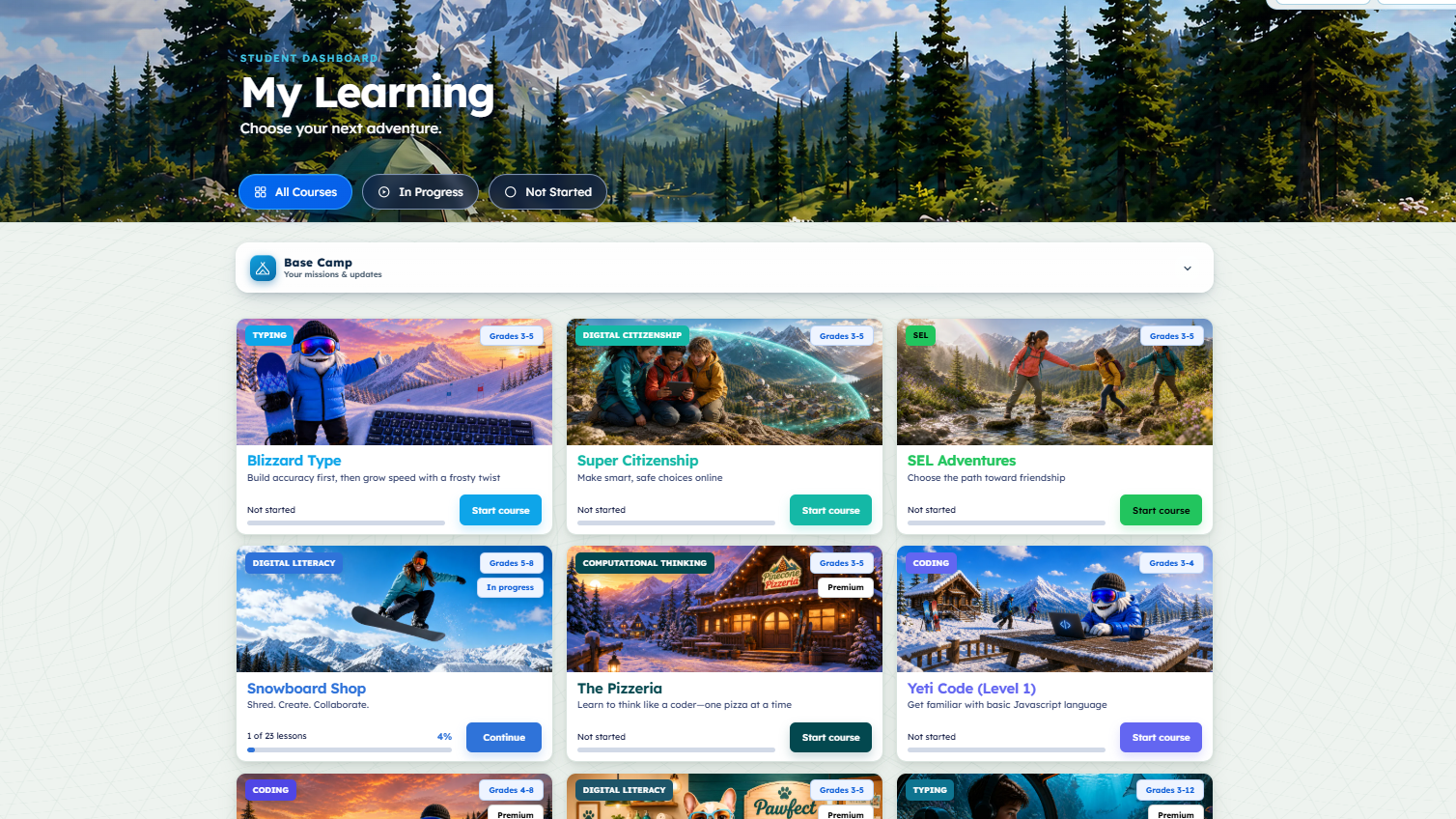
Students can browse courses by subject and grade level, see what is in progress, and return to a lesson from one dashboard. Base Camp keeps missions and updates nearby, while teacher resources and reporting help educators guide learning.
Find the right fit
Visual tiles show each course’s subject and grade band so students can spot a place to begin.
Pick up where you left off
All Courses, In Progress, and Not Started views make it easy to find the next lesson.
Stay on track
Base Camp brings assignments and updates into the same view as students’ courses.
A course for every curiosity
Explore the courses students see.
Yeti Academy presents typing, digital citizenship, SEL, digital literacy, computational thinking, and coding as easy-to-scan course tiles. Here are six examples from the student dashboard.
 TypingGrades 3–5
Blizzard Type
Practice accuracy and build speed through typing lessons.
 Digital citizenshipGrades 3–5
Super Citizenship
Practice making smart, safe choices online.
 SELGrades 3–5
SEL Adventures
Build friendship and social skills through guided activities.
 Digital literacyGrades 5–8
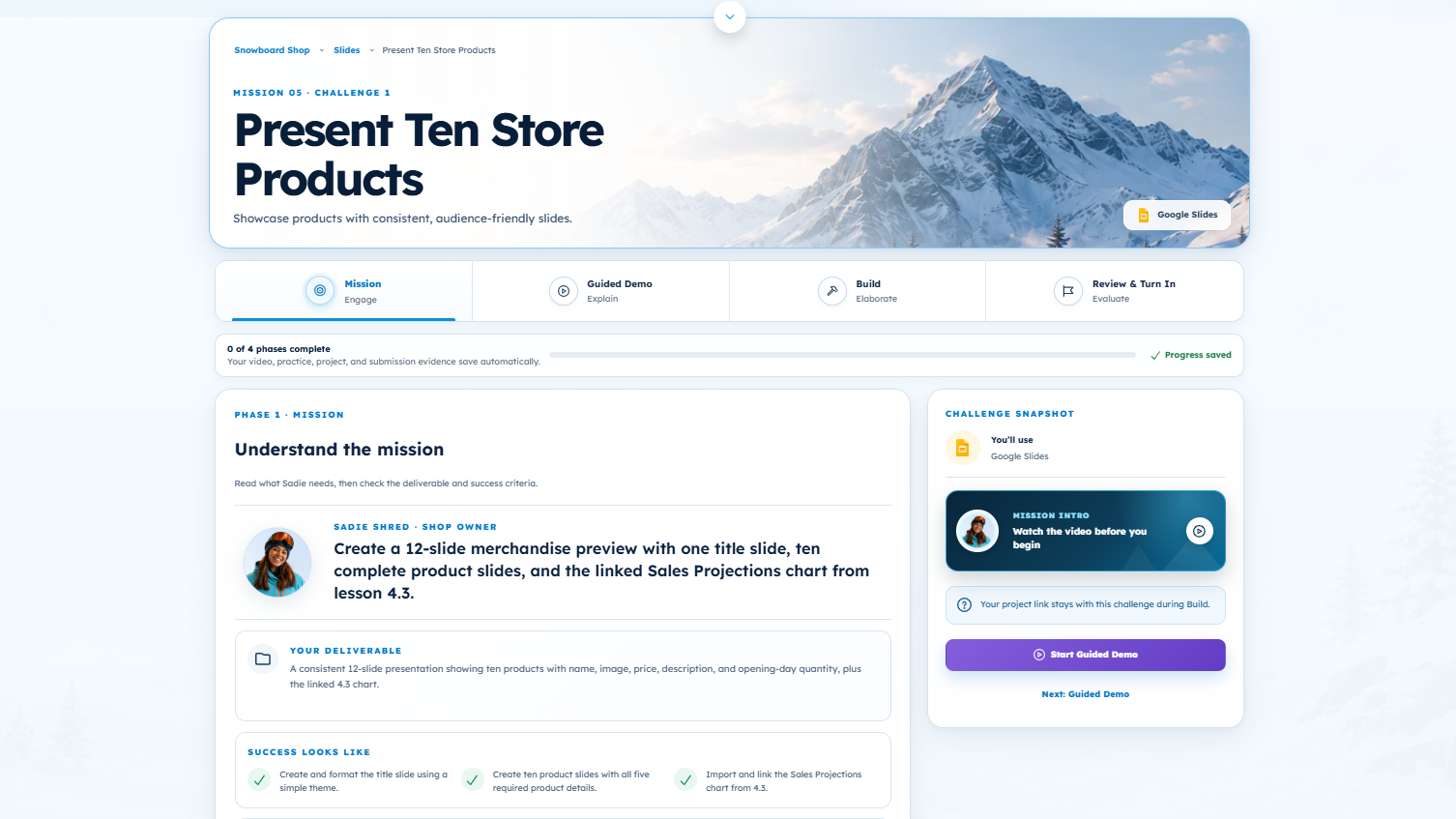
Snowboard Shop
Create and collaborate with digital tools.
 Computational thinkingGrades 3–5
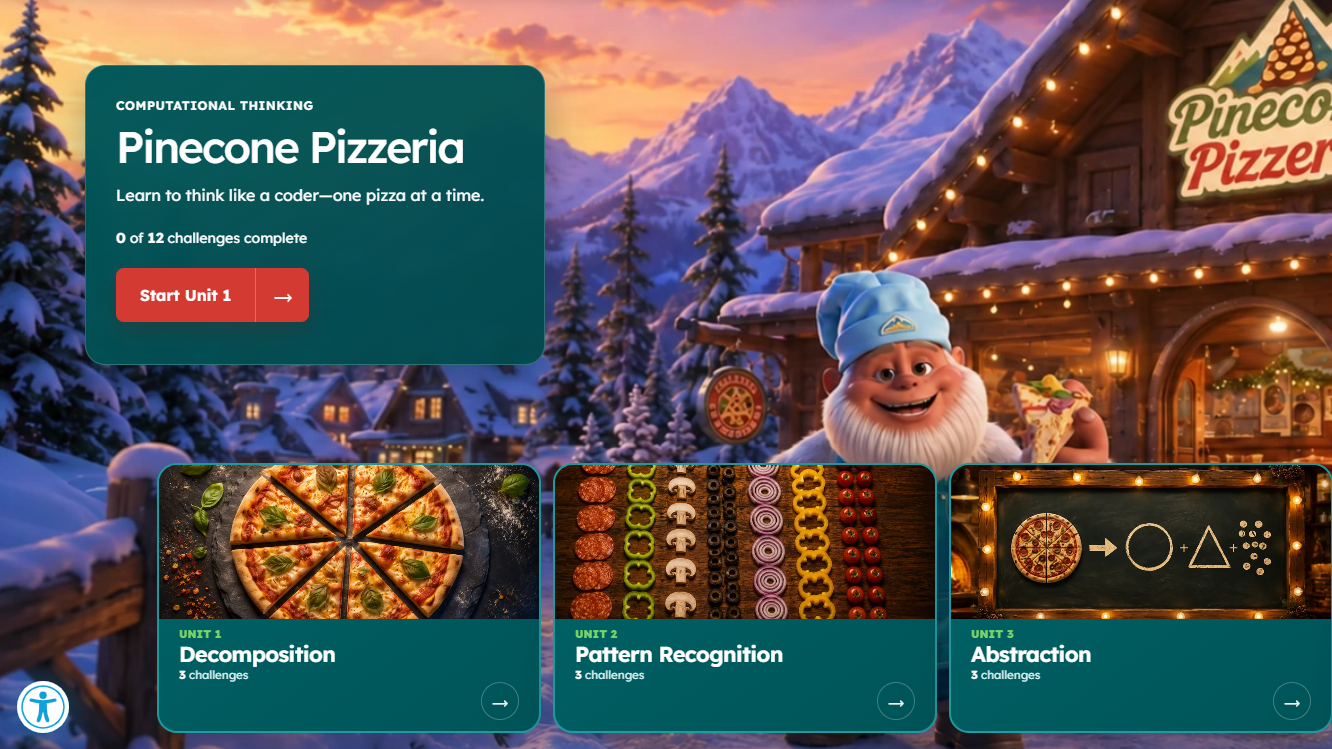
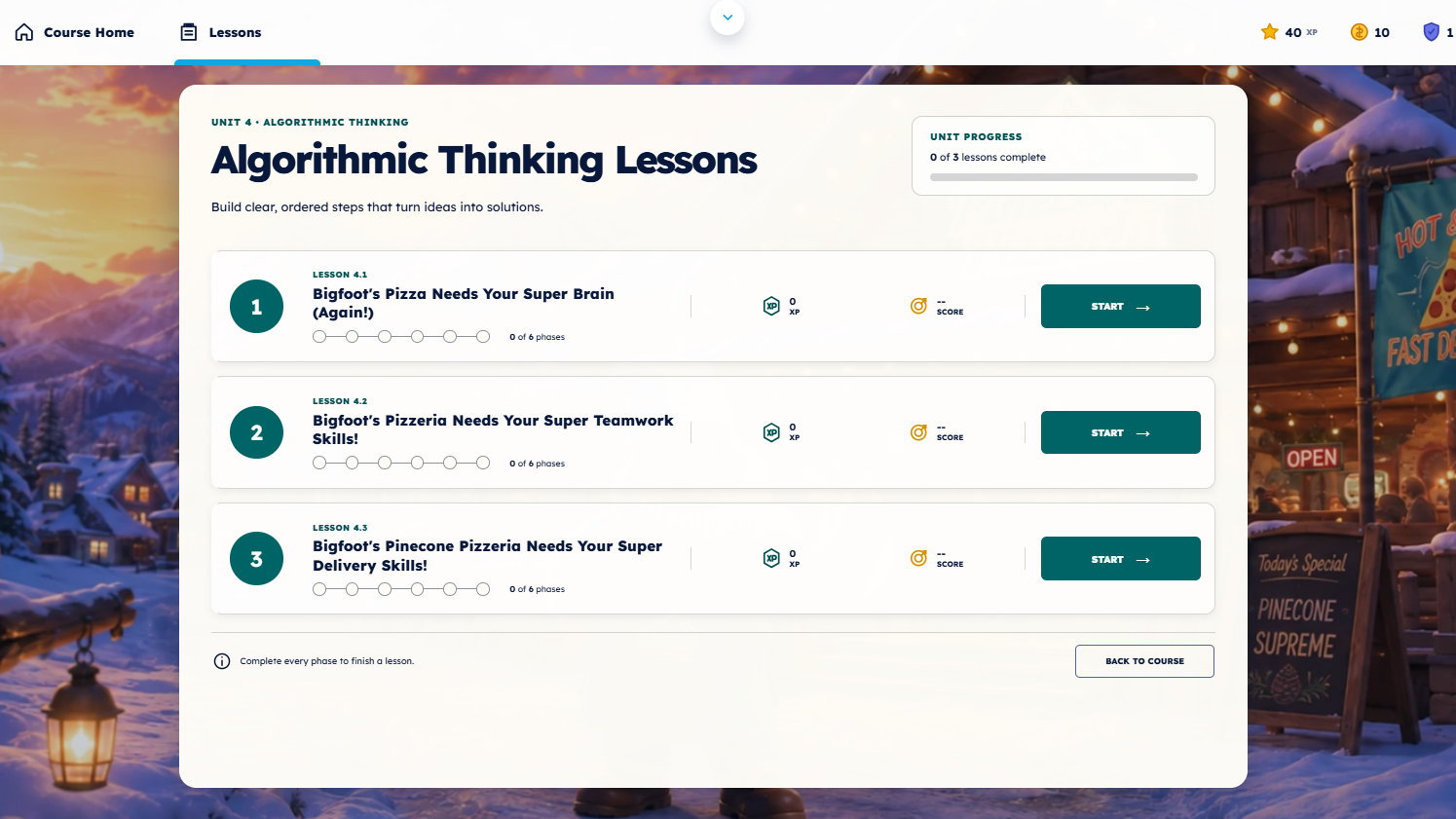
The Pizzeria
Practice thinking like a coder through pizza-themed lessons.
 CodingGrades 3–4
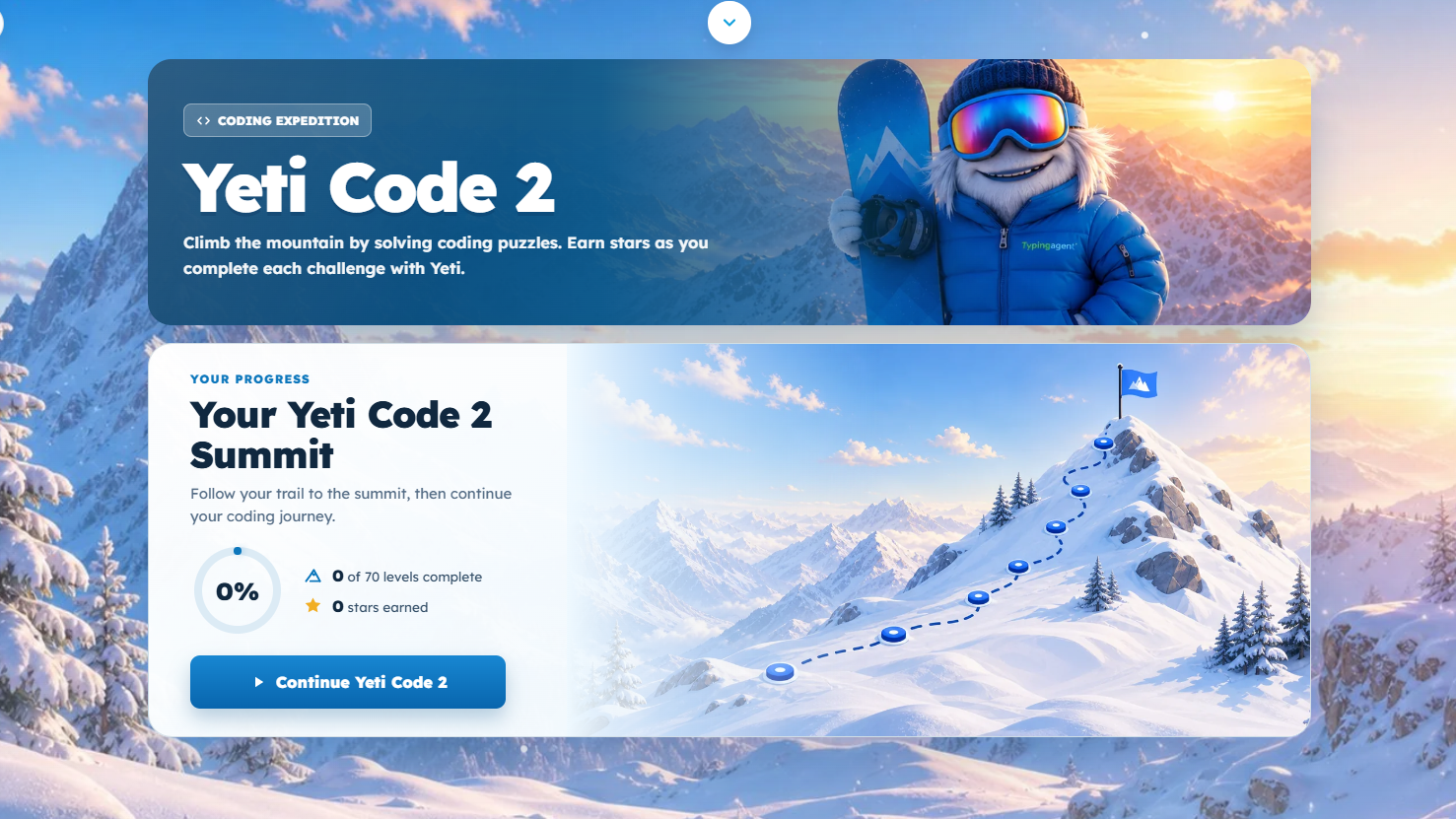
Yeti Code (Level 1)
Explore the basics of the JavaScript language.
V6 image gallery
See Yeti Academy in action.
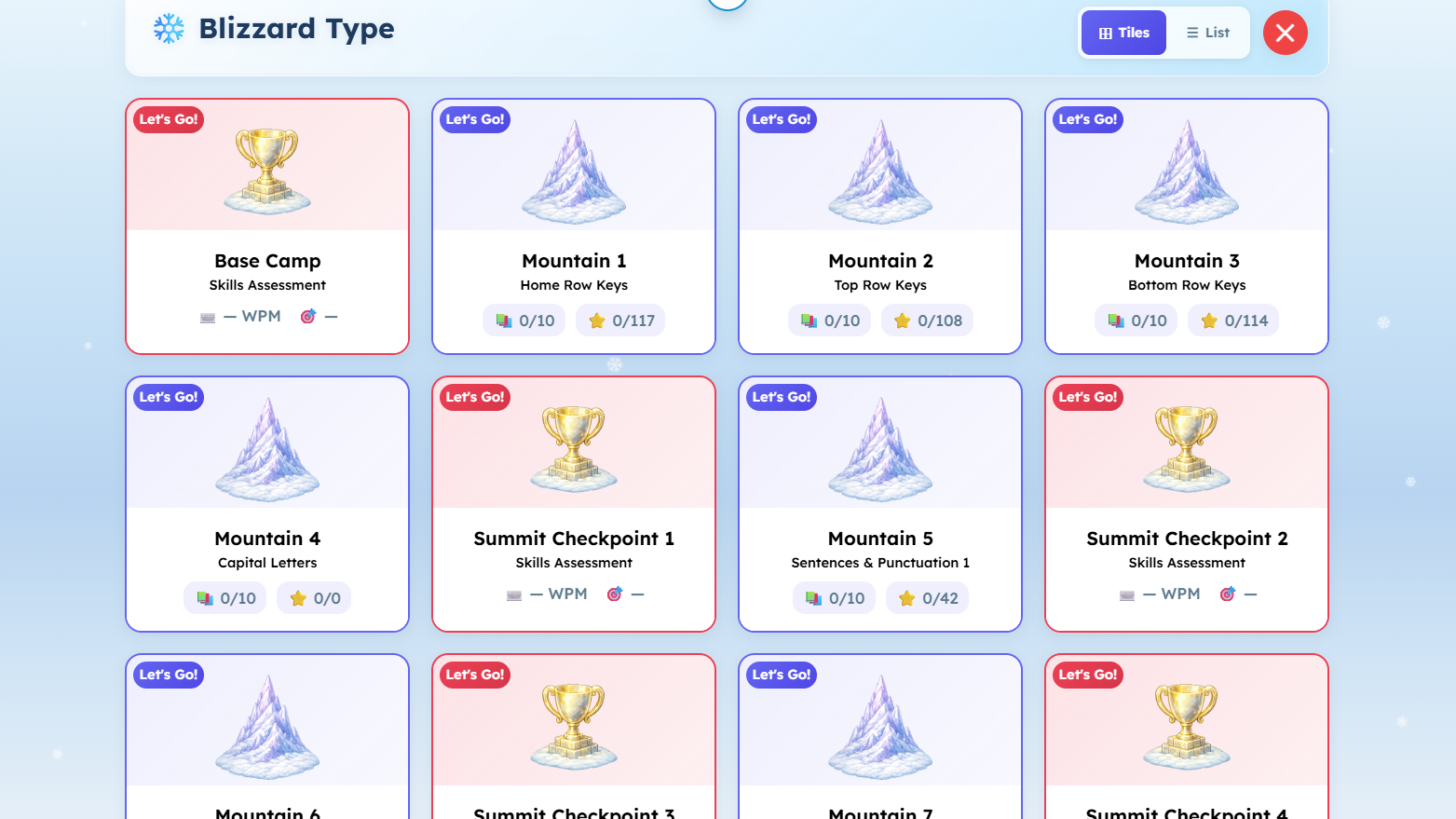
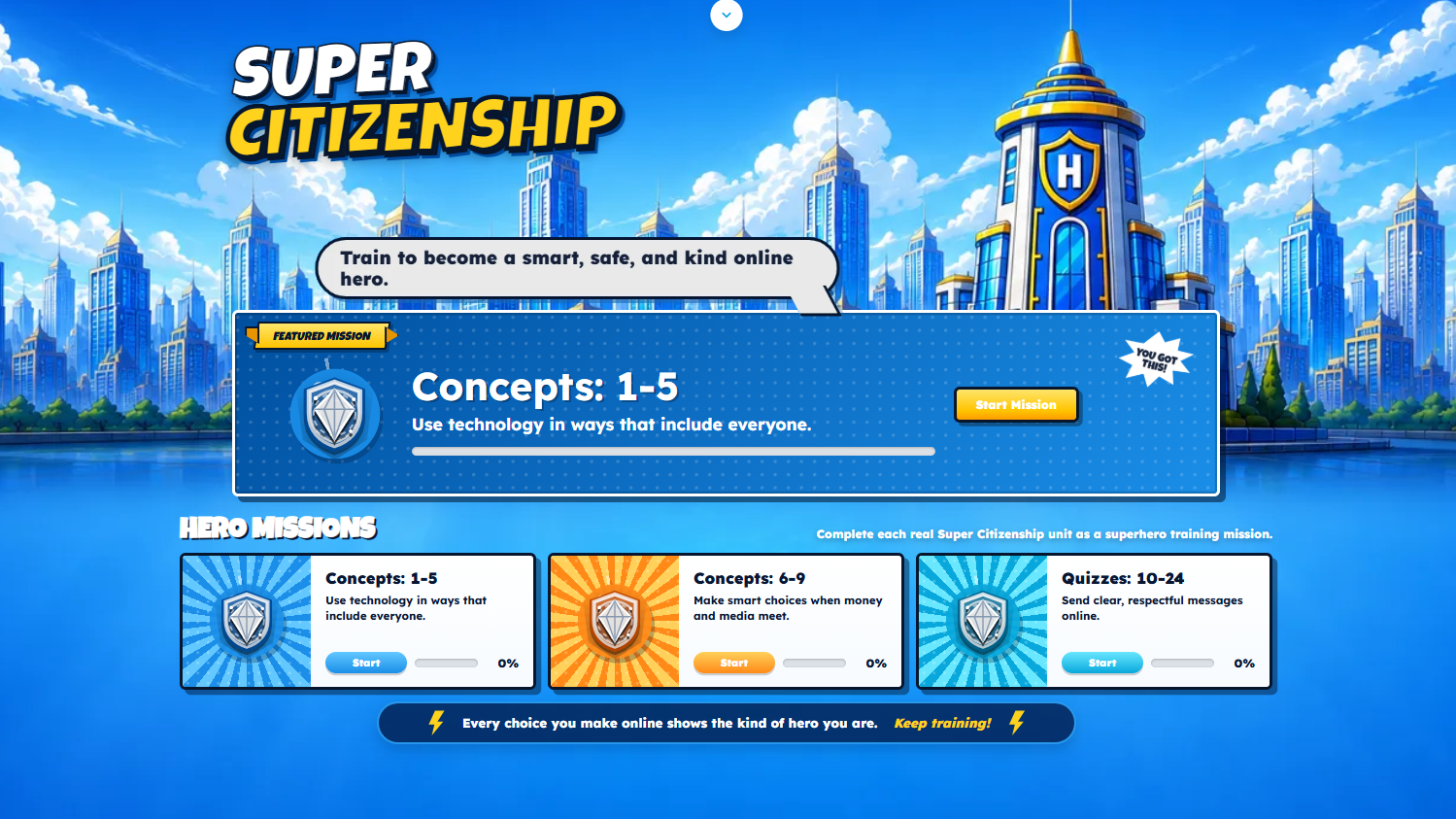
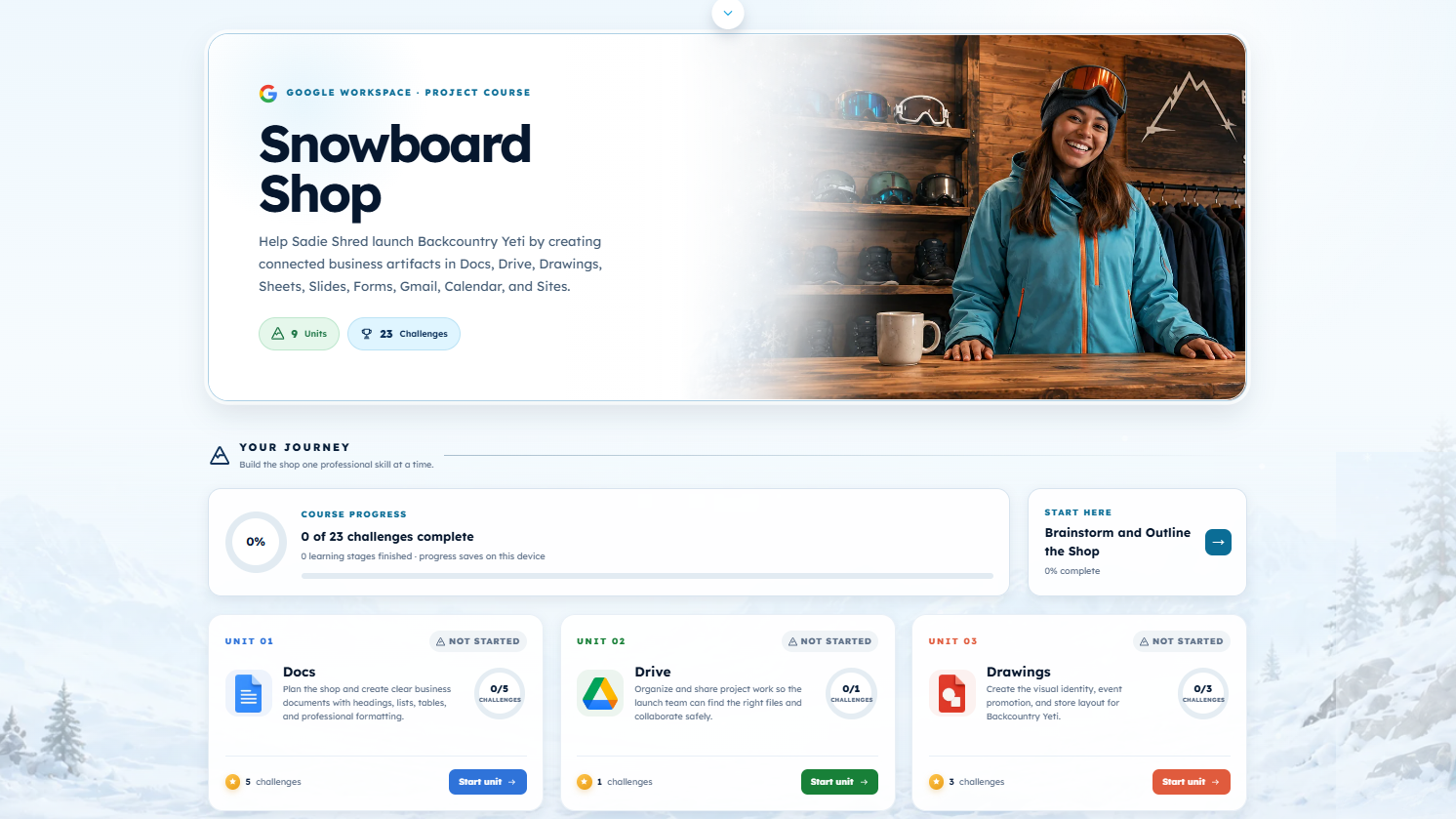
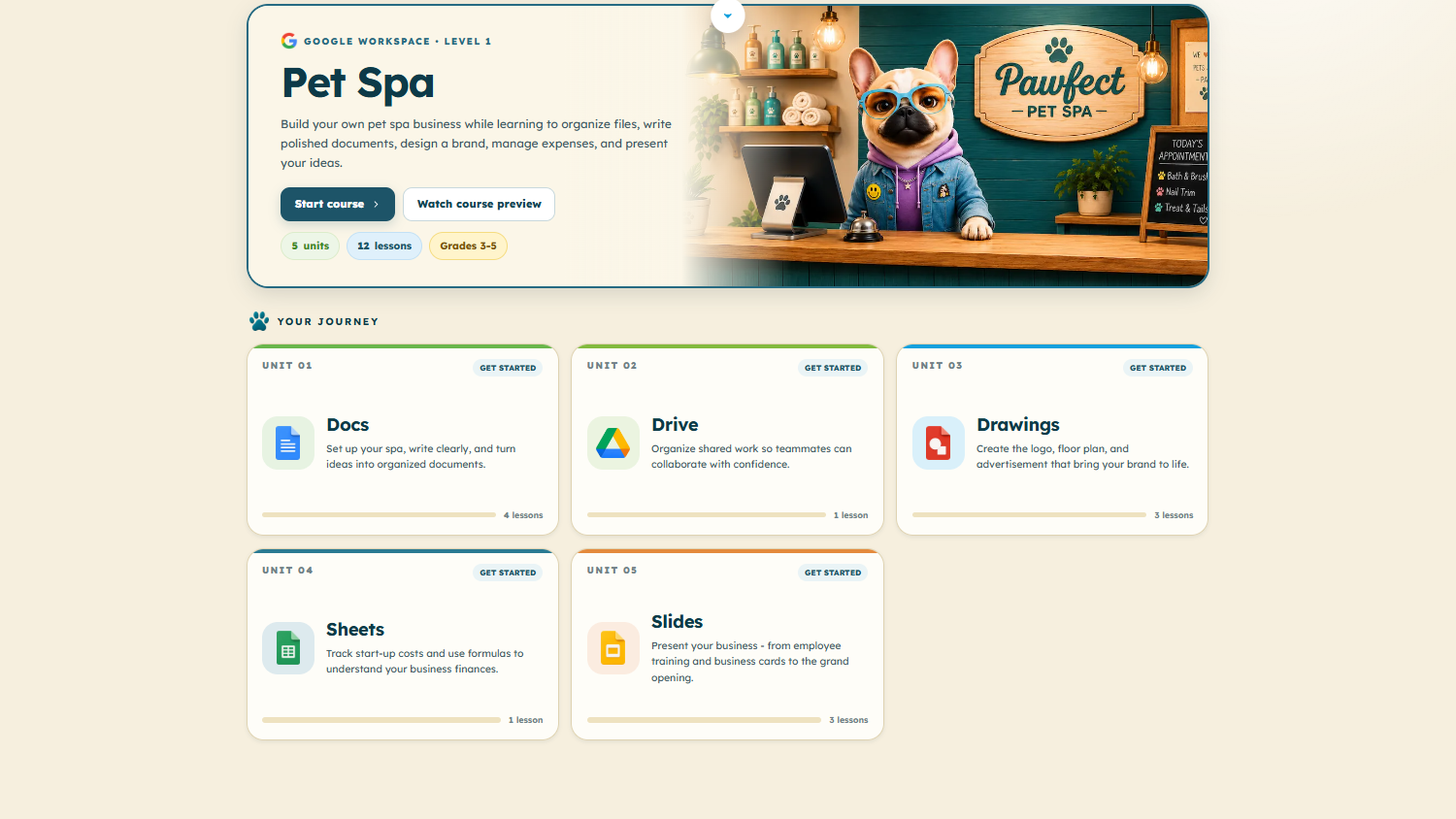
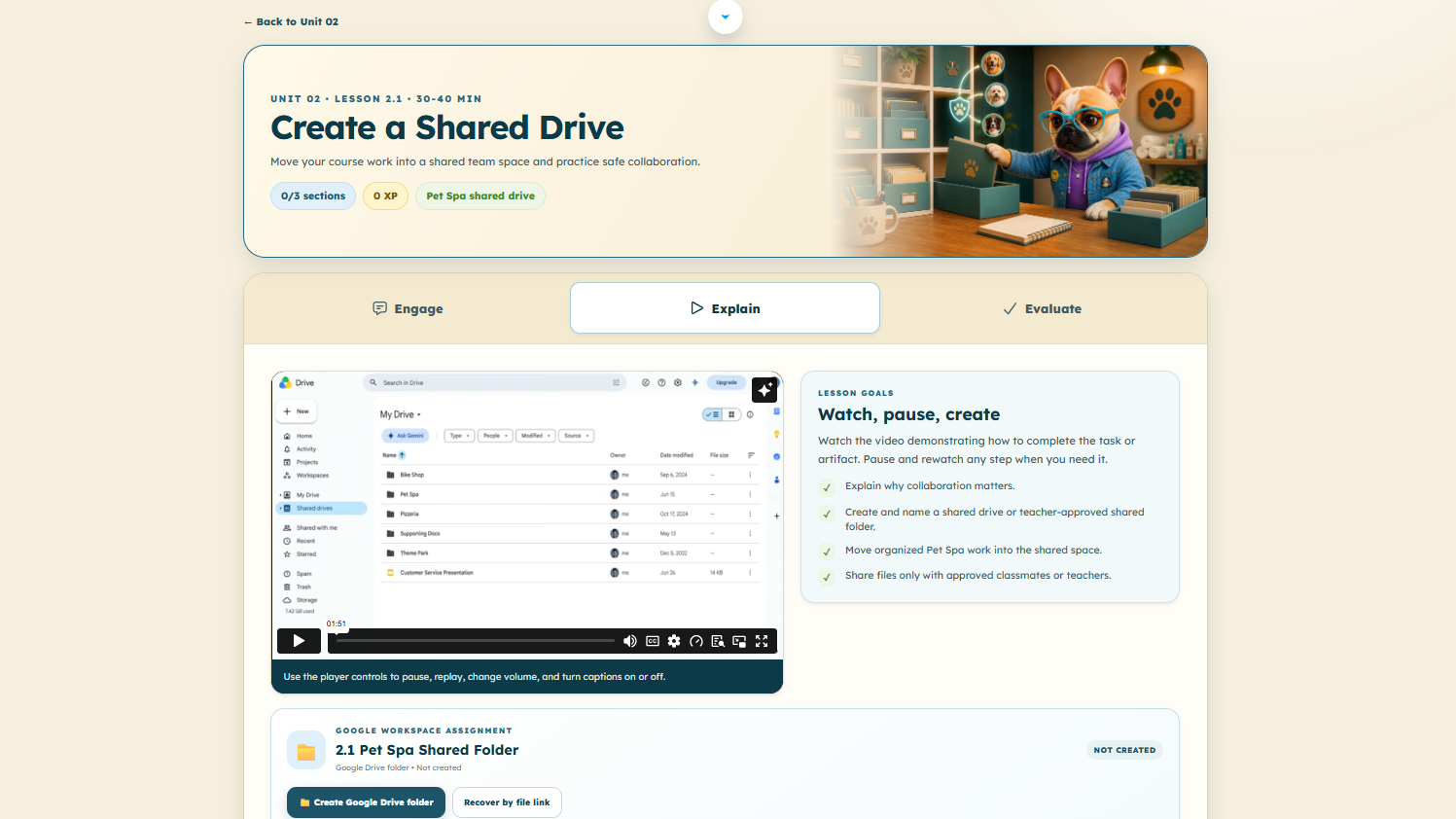
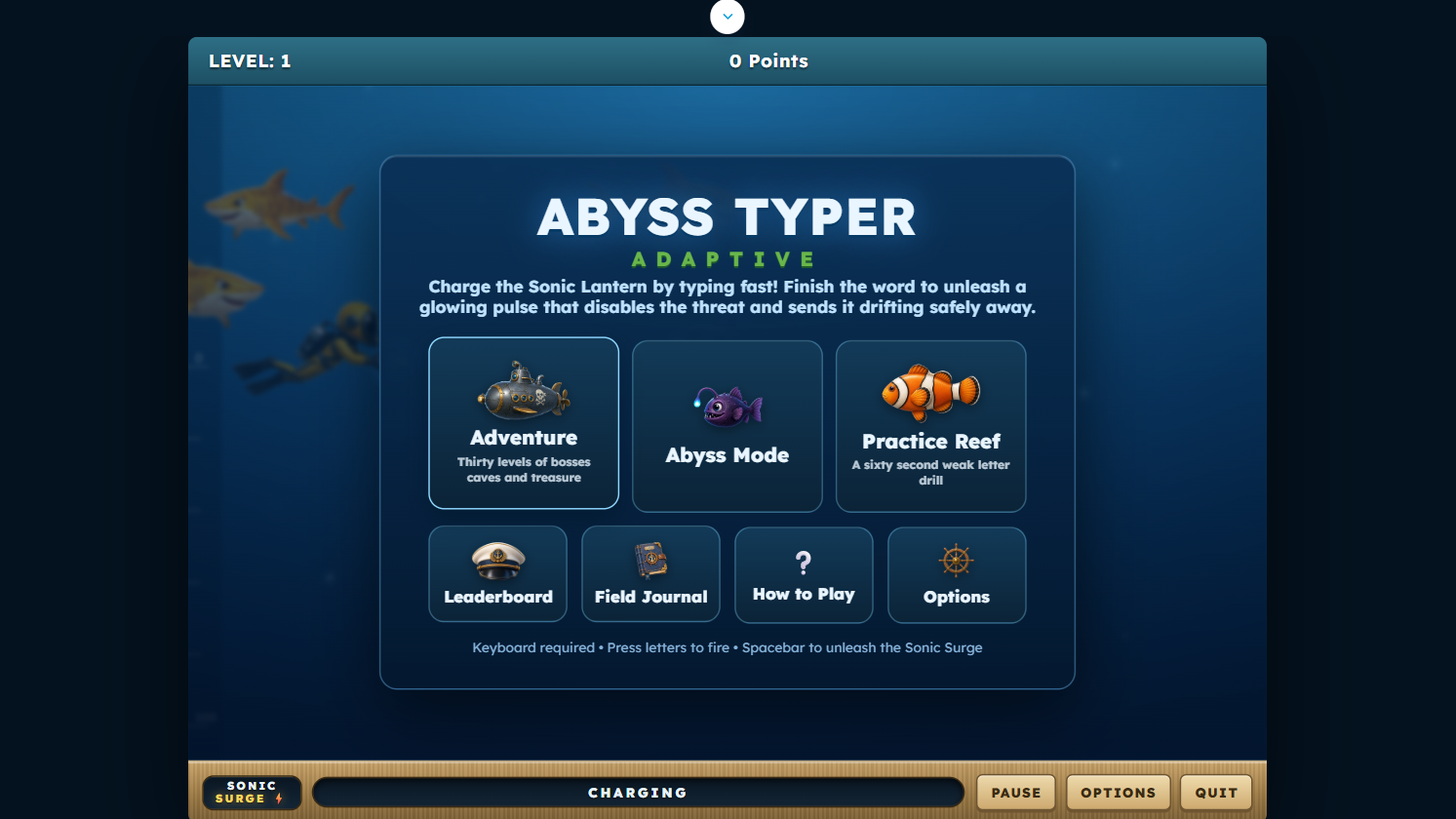
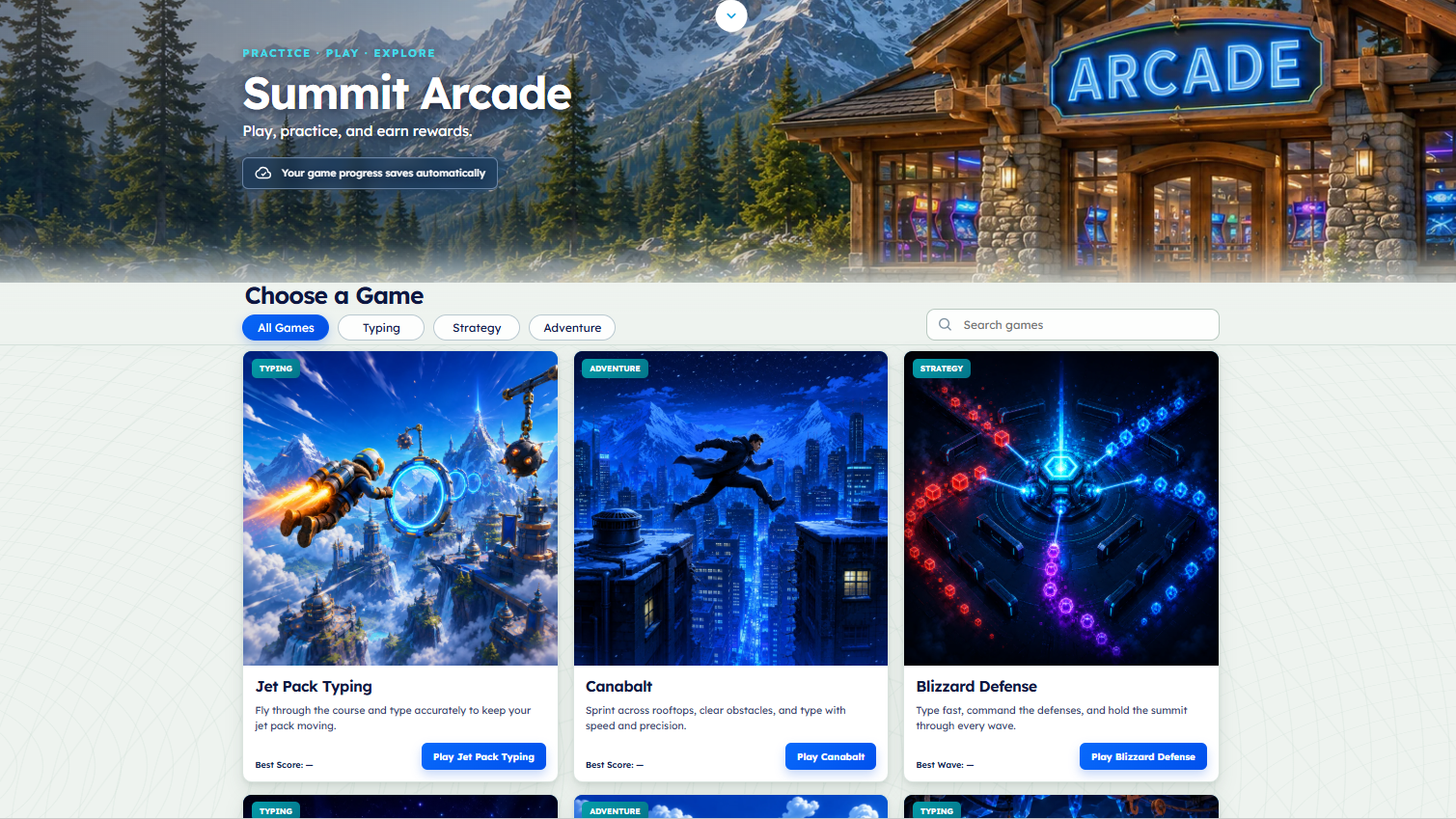
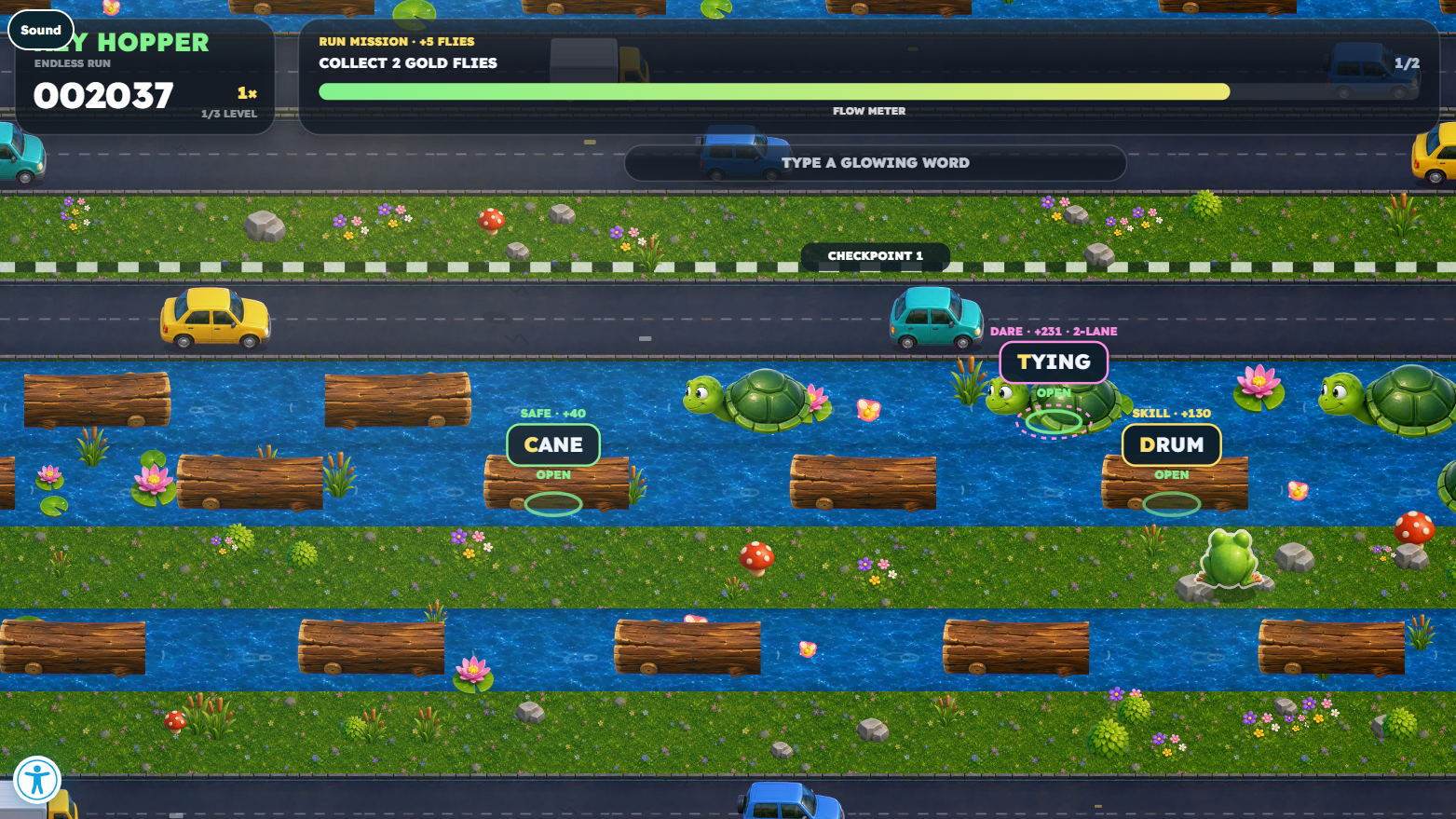
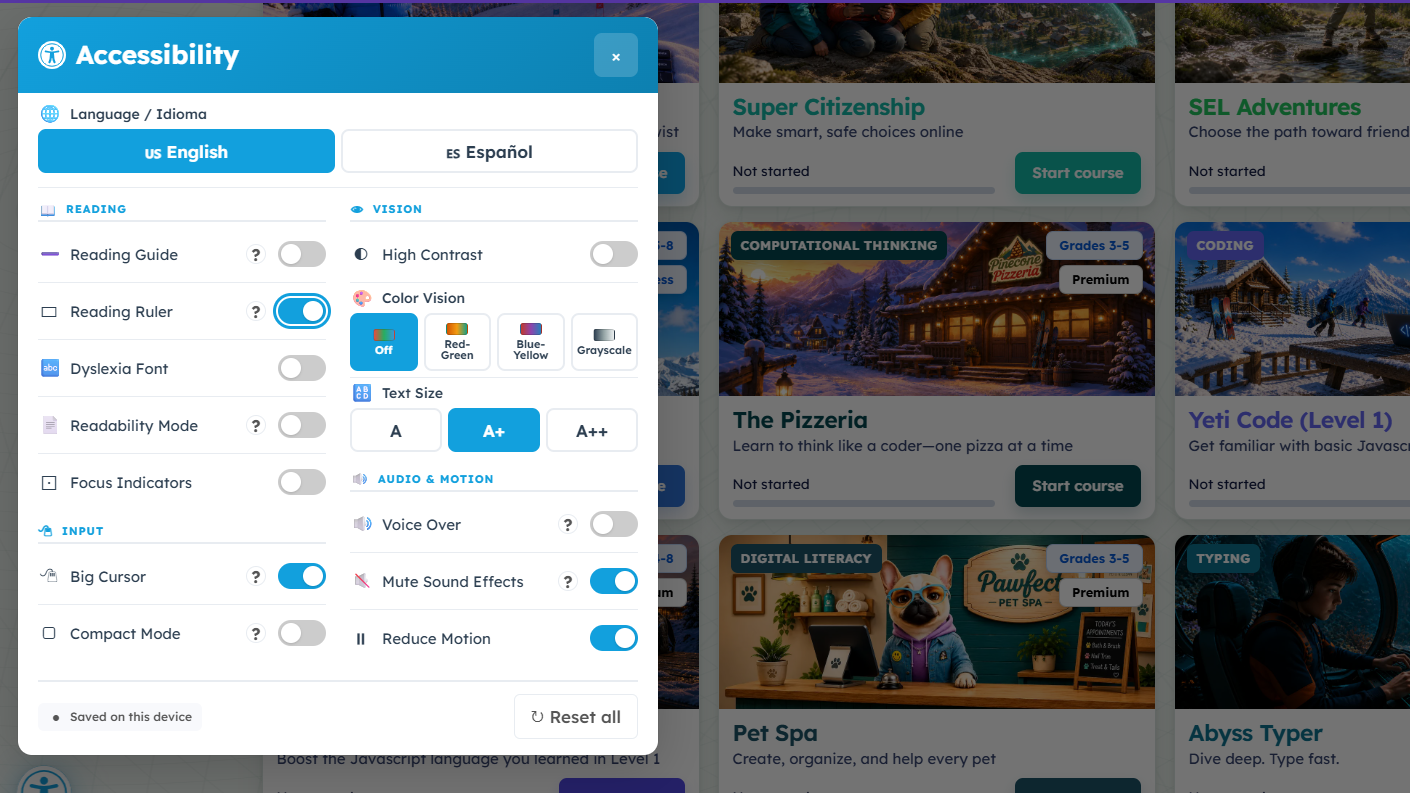
Browse all 14 student experience images, from Blizzard Type Essentials and Yeti Code to Summit Arcade and accessibility features. Select any image to see it full size.
Take the details with you
Download the Yeti Academy flyer.
Share the course overview and teacher tools with your curriculum and technology teams.

Explore the courses and the new student experience.
Review the one-page flyer for a snapshot of the student experience, teacher interface, and reporting.
View the flyerWatch it in action
See more of Yeti Academy.
Use these videos to introduce the platform and share a closer look with your team.
Current show special
Save 10% on Yeti Academy.
Schools, districts, and show attendees who request a quote by November 2 are eligible for the in-show special. We can help you review courses, grade levels, integrations, reporting, pricing, and implementation.